Quick answer
OnlyFans link not working? Open the confirmed profile address directly in your phone’s standalone browser, then follow the published bio or message link on the same phone and network. Record the first difference, exact message and last visible hostname. Fix a wrong saved address; send browser, warning or destination failures to the responsible service. Stop security-warning routes. Retest the original journey and an independent visitor session before resuming promotion.
OnlyFans link not working: separate the destination from the route
Your page opens on your computer, but a follower says the bio button is broken. Both observations can be accurate: your computer visit and their phone tap may take different routes in different browser sessions. Start with that difference before rebuilding the bio.
Open the intended creator page through your own account or a previously trusted address, confirm the profile, and copy its full address. Paste it into a standalone phone browser such as Safari or Chrome. On the same phone and network, start from the live social profile and tap the published link. If there is a link hub, open it and test its destination button separately.
For a visitor opening a direct-message link, the message is the starting point: compare that exact address with the creator’s confirmed address. Before changing anything, capture the exact error and last visible hostname, meaning the site name in the address bar. Stop if you encounter a dangerous-site warning, unexpected hostname or persistent certificate warning. A creator-session pass is only a starting result; completion requires the original route and a separate visitor check to pass.

Use a phone-and-browser matrix to locate the first difference
Use the matrix below as a proposed diagnostic sequence. Compare the direct destination with the published route, then change the browser context, device or network separately. A repeated difference identifies where to investigate; it does not prove the underlying cause.
Consider an illustrative example; no live account or outage was tested. Assume three followers report a broken bio button. The creator controls her social bio and Linktree button, knows her current profile address, and considers rebuilding the route or changing platforms. Her intended page opens directly in phone Chrome and computer Chrome. Following the live bio through Linktree reaches an old profile address on both devices. No security or platform warning appears.
Keep one record with the fields below. Assume these UTC times fall on the same day. The Android phone and Windows computer use Chrome and the creator’s signed-in destination sessions on Wi-Fi unless noted. “Confirmed address” is the full URL copied from the current profile; “published address” is the full address saved in the bio. Keep both actual URLs in your private record.
| Context and starting URL | Failing step or profile reached | Evidence and matched comparison | Investigation owner | Repair attempted | Retest result and time |
|---|---|---|---|---|---|
| 10:00 UTC; Android Chrome; Wi-Fi; creator signed in; confirmed address directly | Current profile reached | onlyfans.com; no error; direct baseline for bio route | Creator verifies intended profile | None needed | Pass at 10:00 UTC |
| 10:02 UTC; same phone; Instagram in-app browser; Wi-Fi; creator session; live bio → Linktree → button | Button reaches old profile address | onlyfans.com; no error text; address differs from direct baseline | Creator: saved Linktree destination | Preserved old setting, replaced button URL, saved at 10:10 UTC | Original bio journey reaches current profile at 10:12 UTC |
| 10:04 UTC; Android Chrome; Wi-Fi; creator signed in; published address pasted, then button tapped | Same old profile address | onlyfans.com; no error; reproduces outside Instagram | Creator: Linktree button | Same single button edit | Current profile reached at 10:14 UTC |
| 10:06 UTC; Windows Chrome; Wi-Fi; creator signed in; confirmed address, then published route | Direct passes; promotional route reaches old address | onlyfans.com; no error; same divergence on computer | Creator: Linktree button | Same single button edit | Promotional route reaches current profile at 10:16 UTC |
| Conditional: affected phone browser; mobile data; same sign-in state; confirmed address directly | Untested: direct access already passed | No result; run if direct destination fails on Wi-Fi | Network provider if network-specific; destination operator if repeated elsewhere | None | Untested; not recorded as a pass |
| 10:20 UTC; trusted adult visitor’s iPhone; Instagram in-app browser; mobile data; signed out of destination; live bio through button | Current profile reached | onlyfans.com; no error or warning; independent route check | Creator accepts repair | Same single button edit | Pass at 10:20 UTC in visitor’s own session |
The current profile opens directly on both devices, while the button repeats an old address. That points to the saved button destination before a destination-outage investigation. The creator preserves the old setting, replaces only that destination with the copied current address, and saves. Changing the bio, button and browser data together would hide which edit mattered.
Paste the same published address into the phone browser and follow the same buttons. A standalone pass alongside an in-app failure on the same network points toward the app or its browser environment. Failure at the same intermediate page in both contexts points toward that step. A computer test checks reproducibility, but cannot certify the phone journey.
If direct access fails, repeat it on mobile data with the same browser and sign-in state; check an unrelated site too. A network-dependent result needs network investigation. Repeated direct failure across devices and networks warrants destination investigation, without proving an outage. Mark unavailable combinations untested rather than borrowing another row’s pass.
For a direct bio or message link, omit the hub step: compare the saved or received address with the confirmed destination, then repeat the actual tap. Before closing either case, a trusted adult visitor must repeat that journey in their own session. Record their destination sign-in state; do not share your login to manufacture a visitor pass.
Match the observed failure to the repair
A wrong saved address, a failed redirect, an in-app browser problem, a warning and an unavailable destination need different actions. Choose the repair from the first divergent step and the exact message, rather than treating every failure as a reason to clear everything.
For a wrong or incomplete URL, preserve the previous setting and replace the incorrect field with the full address copied from the confirmed page. Check spelling, spaces and the complete https:// prefix. In Linktree, use My Linktree → Edit → Links, select the button, paste the destination and save. A missing or inactive button needs both a title and complete URL. Test the public route afterward; a visible button alone is insufficient.
A redirect sends visitors from one address to another. ERR_TOO_MANY_REDIRECTS means this happened too many times; cookies, the files used to remember sessions, are one possible cause. Compare a separate browser session. If the loop persists, send the failed row to the route operator. Remove a confirmed unnecessary or repeated hop only if you control it, the social platform permits the direct destination, and the replacement passes the same visitor checks.
If the same URL works warning-free in Safari or Chrome but fails inside an app, capture that difference. Standalone access can be a temporary option where permitted, without repairing the app journey. For TikTok specifically, open a link, tap the bottom three-dot or share icon, select Clear cookies and cache, and confirm Clear. This may help loading or session problems, but signs users out of most websites and resets preferences. Ensure you can sign back in, then retest the original route.
TikTok’s menu instructions do not apply to other apps. Report their matched in-app-versus-standalone results to the app’s support. Clearing a browser that already works changes the wrong environment. If the in-app retest still fails, keep that row unresolved despite temporary standalone access.
A social warning before Linktree opens belongs with the displaying platform. Instagram and TikTok can show their own link warnings; that does not establish a broken button. For a mistaken Linktree Unsafe URL decision, use Appeal a Decision and select Unsafe URL. Preserve the wording; disguising the destination behind another address does not resolve the decision.
Stop routes showing a dangerous-site warning or unexpected hostname and notify the operator. Do not enter credentials, disable Safe Browsing or ask followers to bypass it. For a dangerous domain you operate, resolve the issue and request a site-owner review. Certificate or privacy warnings need separate investigation: check the device clock for a date-related error, then stop and report persistent warnings. Replacing HTTPS with HTTP is not a general repair.
- ERR_NAME_NOT_RESOLVED: check the hostname against the trusted address. A misspelled site name and a destination service problem need different owners.
- ERR_INTERNET_DISCONNECTED: restore the device’s connection, then repeat the same journey before editing a saved URL.
- A timeout or ERR_EMPTY_RESPONSE: compare unrelated sites, another device and another network. These messages alone do not prove an outage.
When direct access fails across devices and networks while other sites load, stop bio edits and report the results to the destination operator. This does not distinguish an outage from a profile issue or access restriction. Pause promotion of the inaccessible destination. After a response, retest direct access and then the published journey.
If the correct page loads with a sign-in or access message, record “page reached; access unresolved.” Routing passed; that account’s access remains separate. The affected account holder should report it through the genuine service in their own session. Collect error context without collecting passwords, verification codes or payment details.
Retest the original journey before sending more traffic
Reuse the failed matrix row as the support report. The creator owns saved-address edits and the decision to resume promotion; the displaying service or affected domain operator investigates the failure outside that control. A saved setting is not an acceptance test.
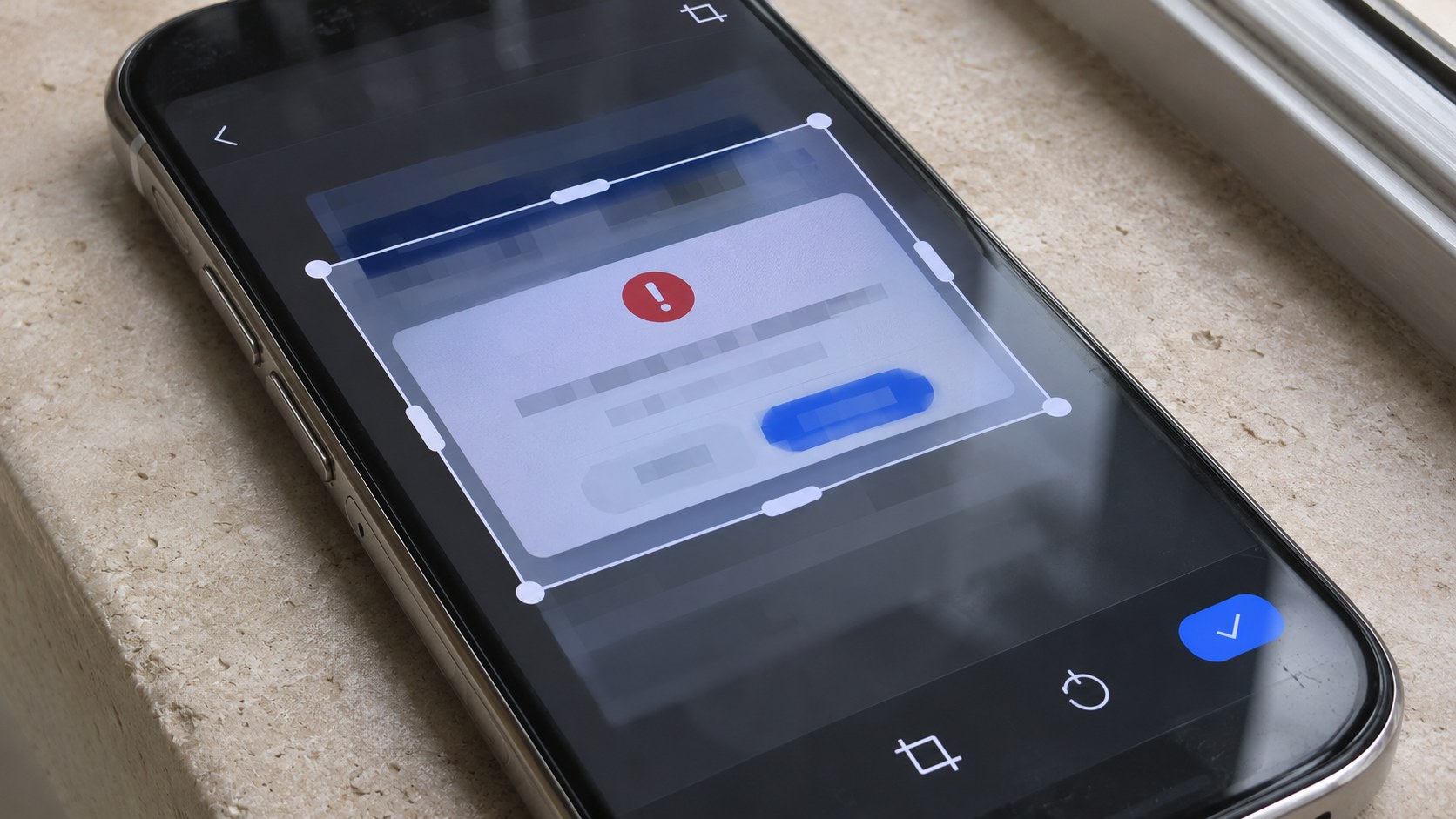
Send the failed row with both URLs, last visible hostname, exact message, time and timezone, device/app/browser, network and sign-in state. Include direct-versus-route results, attempted changes and unresolved retests. Attach a screenshot with private details hidden, and ask the responsible service to investigate that specific step. Reuse this record instead of starting another checklist.
Optional desktop evidence: in Chrome DevTools, choose Network, enable Preserve log, then load the promotional URL. Retain the failing request URL, status and relevant response headers for support. Review captures for private URL values and account tokens before sharing. Skip this if unfamiliar; a desktop capture supplements phone evidence and cannot prove an in-app result.
After the single button edit, the example’s original phone journey and computer promotional route pass. A trusted adult visitor follows the bio and Linktree button in their own session and reaches the current profile without warnings. The creator records the assumed final retest time, 10:20 UTC, and resumes promotion. Access is restored; the three reports establish no subscriber losses or recovered sales.
The creator’s reply can be simple: “The bio button now points to the correct page. Please try it again. If it still fails, send the exact error and which app or browser you used; do not send your login details.” If that next visitor still fails, reopen the relevant row rather than declaring their phone the problem. After another bio, username or routing edit, repeat the direct-versus-promotional comparison before sending more traffic.
Choose a branded destination for a separate need
A controlled routing domain is an address you maintain to send visitors onward. A branded fan platform hosts the paid-content experience itself. Either can be a later choice; neither should substitute for identifying the current failing step.
A routing domain lets you maintain a public address while changing its onward destination, but adds a step to maintain and test. It cannot guarantee platform acceptance, cure an outage or resolve a warning farther along the route. Choose it for maintenance after diagnosis. A separate paid-content platform is a different operating choice, with a new visitor experience to verify.
If access works but audience response remains weak, OnlyFans promotion not working addresses the next question. If visitors reach the profile but stop at purchase, investigate OnlyFans checkout abandonment. Successful routing establishes access, not willingness to subscribe.

Evaluate a separate creator platform when that is the goal
Scrile Connect supports a separate branded creator platform with subscriptions, paid posts and messaging under your own brand and domain. To begin that evaluation, select the Solo trial route on the product page and complete the displayed subdomain name, email, name and use-case fields; the referral question is optional. The Solo trial lasts 14 days. A personal domain can be set up later from the admin panel; signup begins the platform evaluation rather than connecting that domain. Apply the same visitor-route checks before promoting it. This does not repair the existing OnlyFans route or guarantee social-platform acceptance.
Frequently asked questions
Why does my OnlyFans link work on a computer but fail on a phone?
The phone may use a different browser session or an in-app route. Compare the exact published URL inside the app and in the phone’s standalone browser on the same network.
Does a failed direct link mean OnlyFans is down?
No. Compare another device and network while checking that unrelated sites load. Repeated direct failure warrants destination investigation, without proving a platform-wide outage.
Should I clear cookies to fix the link?
Capture the failure and compare browser contexts first. Use a relevant session reset when the pattern supports it; TikTok’s in-app reset can sign you out and reset preferences.
Why is my Linktree button missing?
Check that the button has both a title and a complete URL. Correct spaces or spelling, save the setting and test the live page rather than relying on the editor.
Should I bypass a dangerous-site warning?
No. Stop the affected route and report the warning to its operator. Resume only after the issue is resolved and the original journey passes without the warning.
Is the link broken if I reach the sign-in page?
If it is the correct destination, routing succeeded and account access remains unresolved. Handle the access issue through the genuine service without sharing credentials.
What should I send support about a broken link?
Send the failed matrix row, both URLs, exact message and a screenshot with private details hidden. Include the matched direct-versus-route results and changes already attempted.
When can I resume promoting the link?
Resume after the original failed journey, phone check and independent adult visitor check reach the correct profile without unexpected domains or security warnings. Record the retest time.

Heads marketing at Scrile. Writes about positioning, content systems, and how SaaS companies find product-market fit in narrow niches.