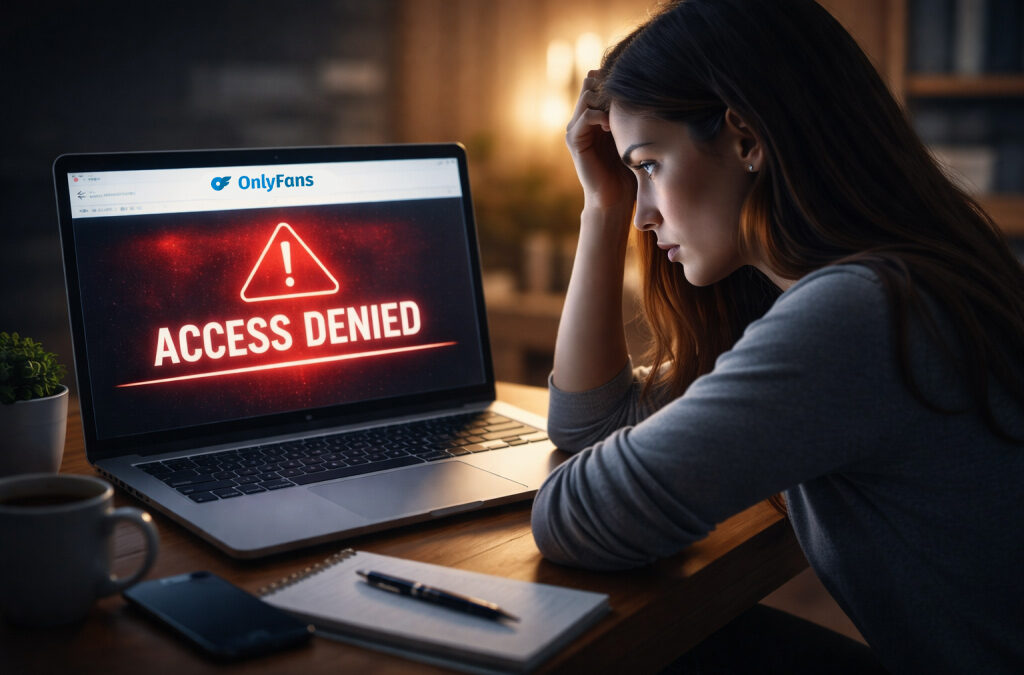
You open OnlyFans, type your password, press enter, and the page just stares back at you. No clear message, no obvious mistake, just silence where your account used to be. That second feels longer than it is, especially if your audience, messages, or income sit behind that login. This guide is written to help you recover OnlyFans account in a way that actually follows how real cases unfold, not textbook steps.
Some problems fix themselves quickly, others depend on support, evidence, and timing. What consistently decides the outcome is control of your registered email, the state of your 2FA, and proof that the profile belongs to you. When you keep those pieces straight, recovery stops feeling like chaos and starts moving forward.
How People Lose Access to OnlyFans

Most people who think they’ve lost their OnlyFans account haven’t lost the profile itself — they’ve simply lost access. That confusion matters because access problems can often be fixed, while full deletion is a different and much stricter case. Understanding what actually derails logins helps you know how to recover OnlyFans account more effectively.
Here are the main reasons people get locked out:
- Email address no longer accessible.
The inbox tied to the profile no longer exists, was hacked, or was abandoned long ago, so password resets never arrive. - 2FA breaks after device change.
Switching phones, deleting the authenticator app, or resetting a device without saving backup codes leaves you unable to complete login. - Security flags after unusual behavior.
Logging in from a new region, using a VPN, or triggering automated fraud filters can temporarily lock login. - Policy or Terms of Service violations.
Content that breaks OnlyFans’ guidelines — whether flagged automatically or reported — can result in account restriction or suspension until reviewed.
People commonly mix up four different states: being locked out (a login problem), being deactivated (temporarily paused), being disabled due to violations, and being deleted (permanent removal). They look similar, but they require different actions.
Quick Checks Before You Contact Support
Most access problems are small technical glitches, not platform decisions. It almost always makes sense to clear the simple stuff first, even if you’re worried about a suspension or a policy issue.
Here is a practical sequence you can follow, in this order:
- Try another browser or device, and pause your VPN. Strict privacy settings, ad blockers, or a sudden change of location can quietly break login or verification.
- Reset your password, then check your inbox. Look not only in your main inbox, but also in spam, promotions, and “all mail.” OnlyFans emails often get filtered.
- Search your old mailbox for OnlyFans. Many people reset passwords for the wrong address. An old receipt or notification usually reveals the correct login email.
- Eliminate simple typing mistakes. Turn off caps lock, type your password manually, and avoid autofill. Saved passwords sometimes stop matching your current one.
These steps feel basic, but they fix a surprising number of cases where users assume they’ve been banned. Even if you suspect a policy or Terms of Service issue, it’s still worth doing these checks first. If none of this helps, then you move into the more formal process of figuring out how to recover OnlyFans account.
Recovery Process, Step by Step

The rule of recovery is simple, but people rarely follow it: treat this like an ownership check, not a guessing game. The clearer and more organized you are, the faster everything moves. Rushing, sending five tickets in a row, or “trying random things” usually slows your case instead of helping it. If you stay consistent and factual, you give support the best chance to actually recover OnlyFans account rather than bounce you between generic replies.
When You Still Control the Email
Start with the least dramatic option, because this fixes most lockouts. Use the official “Forgot password” link and make sure you request it for the exact email tied to your profile. When the message arrives, open it directly from your inbox instead of clicking old cached links. If the reset link expires or never shows up, wait a few minutes and request it again — email filters or delays can block the first attempt. Some users also find it helps to request the reset from a different browser or with a VPN turned off.
Once you get back in, don’t stop there. Immediately check that your email account itself is secure — change its password if you’re unsure, and enable 2FA for your inbox. Inside OnlyFans, review your security settings and save your 2FA backup codes somewhere safe, offline or in a trusted password manager. This single step prevents you from ending up in the same situation again.
When You Lost the Email
If your old mailbox is gone or hacked beyond recovery, you move from “self-fix” mode into support mode. Be precise and concise in your first message. Include your OnlyFans username, the old email address you used, and your best estimate of when you created the account. Add proof of ownership — usually a receipt, card statement, or transaction reference that links you to the profile.
Send one clear ticket and wait for a response. Spamming support every hour almost always backfires, because your case gets pushed to the back of the queue. If you’re unsure about the exact steps or wording, this is where people often search for how to reactivate OnlyFans account, but the principle is the same: one clean, factual request with proof beats ten emotional messages.
2FA Lockouts
Two-factor authentication is the single most common “I’m completely stuck” moment for OnlyFans users. It protects your account well, but the second your phone changes or an app breaks, it can feel like a locked door with no handle.
The typical situations look like this: you got a new phone and didn’t transfer your authenticator properly; you deleted or reinstalled the app without saving backup codes; or your device time is slightly out of sync, which makes every code fail even if it looks correct.
Before panicking, do three simple things. First, check your phone’s date and time settings and make sure they update automatically. Second, search wherever you keep important notes or passwords for your OnlyFans 2FA backup codes. Third, open your authenticator and confirm you are actually looking at the right OnlyFans entry — people often mix up accounts.
If none of that works, you will need to contact OnlyFans support. Expect them to ask for proof that the account is yours, such as your registered email, username, approximate account creation date, and evidence of a linked payment method.
Deleted Account Reality Check

Deletion is not the same as a lockout. Being unable to sign in usually means something went wrong with your login, your email, or your 2FA. Deletion means your profile has already been removed from OnlyFans’ active system. That distinction is crucial, because once an account is deleted, recovery is limited and there is no instant undo option.
If you deleted your account by mistake, your best move is to contact OnlyFans support as fast as possible and clearly prove ownership. Speed matters here more than anywhere else.
When you write to support, include:
- your OnlyFans username,
- the email that was linked to the account,
- your approximate account creation period,
- proof of a linked payment method.
If the deletion followed repeated policy violations, the chances of restoration drop sharply, because OnlyFans treats those cases as high-risk. That leads to the unavoidable question: can you recover a deleted OnlyFans account? In most situations, only timing, proof, and the original reason for deletion determine the outcome.
Complications and Delays
Some recovery cases slow down because they trigger manual review inside OnlyFans instead of automated checks. When that happens, the process feels slower, but it does not automatically mean failure — it usually means your case needs human verification before you can reactivate OnlyFans account.
Typical slowdowns come from suspicious logins in new locations, recent payment disputes or chargebacks, and incomplete or inconsistent proof of ownership. If any of these are present, support tends to double-check details, which naturally stretches timelines.
While you are waiting, your behavior matters. Stop repeated login attempts, because too many failures can deepen the lock. Write down a simple timeline of what happened — when access failed, what you tried, and what you already sent to support. Keep everything in one ticket thread instead of opening new ones, even if responses feel slow. Clear, consistent communication is what ultimately helps you OnlyFans recover account when delays come from manual checks rather than technical glitches.
Security Tips to Avoid Losing Access Again
The best recovery is not needing one. Once you are back in your account, a few disciplined habits can dramatically reduce the chance that you’ll ever have to figure out how to OnlyFans recover account in the first place.
Here are practical steps that actually make a difference:
- Use a dedicated email for OnlyFans.
Choose an address you actively maintain, enable recovery options, and keep it secured with 2FA. - Rely on a password manager with a unique password.
Avoid recycling old passwords or storing them in plain text notes. - Save your 2FA backup codes safely.
Store them offline or in a trusted encrypted vault, not in your camera roll or chat apps. - Be alert to phishing that imitates OnlyFans.
Never click login links from unsolicited messages; always type the address directly into your browser. - Carefully follow OnlyFans’ policies.
Read the rules that apply to your content and payments, because repeated violations are a common reason accounts get restricted or removed.
What Policy Violations Can Get You Banned on OnlyFans
Knowing the rules that lead to a ban helps you protect your account before you ever need to recover OnlyFans account. OnlyFans enforces its Terms of Service and Community Guidelines strictly, using automated monitoring and human review. Violations can result in warnings, temporary restrictions, or permanent bans and profile deletion.
Here are the main categories that put a Creator at risk:
- Terms of Service breaches. Posting content you don’t own (like copyrighted material), illegal content (especially involving minors), or non-consensual material can lead to immediate bans. Scams, impersonation, and fraudulent activity also violate the agreement you signed with OnlyFans.
- Community Standards violations. OnlyFans does not tolerate hate speech, harassment, discrimination, or threats of violence. Accounts that repeatedly engage in these behaviors may be disabled or removed.
- Restricted content that crosses current guidelines. Even though OnlyFans is an adult-oriented platform, there are limits. Some explicit acts (e.g., certain object play or content focused on bodily fluids) and displays of animal cruelty are not permitted.
- Restricted language and sensitive words. Certain words or phrases can trigger automated flags even in private messages. OnlyFans continuously updates its detection, and repeated use of restricted terms may result in penalties.
Understanding these rules — and keeping up with updates — is one of the most effective ways to avoid a ban and the need to navigate account restoration.
Optimize Account Management with Scrile Connect
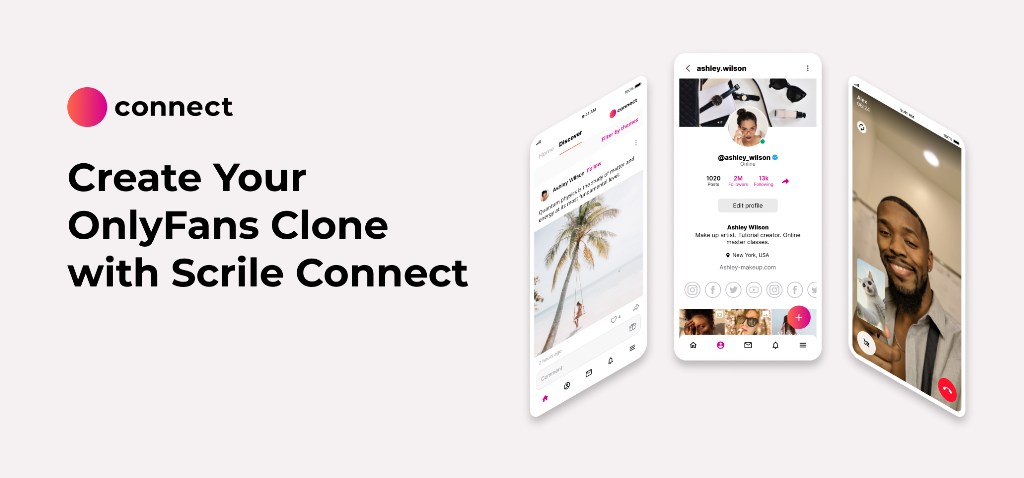
Many lockouts are a product design problem, not a user problem. Big platforms like OnlyFans run on standardized rules that treat everyone the same, which is why creators and fans can get stuck in rigid, slow recovery processes. When something goes wrong, users have little control over how their case is handled or how fast it moves.
Scrile Connect takes a different approach. It is not a ready-made platform — it is a custom development service that builds tailored OnlyFans-like platforms around your specific business logic, audience, and risk profile. Instead of forcing you into fixed rules, Scrile Connect lets you design how accounts are verified, flagged, paused, and restored from day one.
Advanced account management in practice looks like this:
- Cleaner identity checks and smarter risk rules — You decide what counts as suspicious, what deserves a soft pause, and what truly requires intervention, reducing unnecessary lockouts.
- Clearer recovery paths for users — If someone is blocked, your system can guide them through exactly what proof is needed, without generic, automated dead ends.
- Admin review with full audit trails — Every login attempt, flag, and decision is logged, so support teams can resolve cases faster and more accurately.
- Safer user lifecycle controls — You control how accounts are created, temporarily deactivated, or reinstated, based on your own policies rather than a one-size-fits-all model.
With this level of tailored tooling, platforms built with Scrile Connect handle edge cases more thoughtfully, reduce needless lockouts, and give users a far clearer path back when something goes wrong.
Conclusion
If you lose access, start by diagnosing the cause, run the quick checks, gather clear proof of ownership, and contact OnlyFans support once with a clean, factual case. After you’re back in, lock things down with a dedicated email, strong passwords, 2FA, and careful attention to policies. Most lockouts are preventable when platforms are built with smarter account controls in mind. If you want that level of reliability for your own creator platform, reach out to the Scrile Connect team and discuss a custom setup that works the way you actually need it to.
FAQ
Does OnlyFans permanently delete your account?
Yes. Even if you are currently subscribed to a creator, you can remove your account instantly, and that subscription will stop automatically. You might miss the creator’s last bits of content, but the system is built so you are not charged for anything you no longer wish to access.
Does OnlyFans keep my data after deletion?
Deleting your OnlyFans account ends all active subscriptions and detaches any saved payment methods. It is a sensible moment to double-check your wider digital privacy and security. After deletion, your posts, content, and all account-related data are permanently wiped.
Can I recover my OnlyFans account?
Once an account is deleted, restoration is rarely straightforward. Your best option is to contact OnlyFans support as quickly as possible and provide clear proof that the account was yours, including associated emails and payment details. Do not register a new account with the same email until support has finished reviewing your case.
Read also
| Article | What you’ll learn | When to read |
|---|---|---|
| OnlyFans Icons Meaning | Adds a helpful platform-basics article for readers who may be confused by account states, badges, or interface signals during recovery. | When you want easier navigation while solving account issues. |
| OnlyFans Release Form | Useful for readers checking whether missing documentation or verification issues could affect account access. | When you want to review compliance-related causes. |
| OnlyFans Terms of Service | Helps connect account recovery problems with the platform rules that may have triggered restrictions or review. | When you want to understand the rule side of the issue. |
| Is Fansly Legit? | Adds a platform-alternative angle for readers reconsidering where they want to build after an account problem. | When you want backup-platform research. |
| Patreon NSFW Policy | Useful for comparing how another creator platform handles sensitive content and moderation boundaries. | When you want to evaluate safer or different policy environments. |
| Refund Terms and Conditions Between Modelnet Participants | Adds a support-and-dispute perspective for readers thinking more broadly about platform trust and user protections. | When you want policy clarity after a negative platform experience. |

Polina Yan is a Technical Writer and Product Marketing Manager at Scrile, specializing in helping creators launch personalized content monetization platforms. With over five years of experience writing and promoting content for Scrile Connect and Modelnet.club, Polina covers topics such as content monetization, social media strategies, digital marketing, and online business in adult industry. Her work empowers online entrepreneurs and creators to navigate the digital world with confidence and achieve their goals.