Quick answer
If gear anxiety is blocking your first stream, you probably need less than you think. The basic streaming setup is the smallest working mix of device, mic, software, internet, and room setup that can stay live without falling apart. Use the table below to match your situation, then buy in the right order so you do not waste money on the wrong first item.
What a basic streaming setup actually is
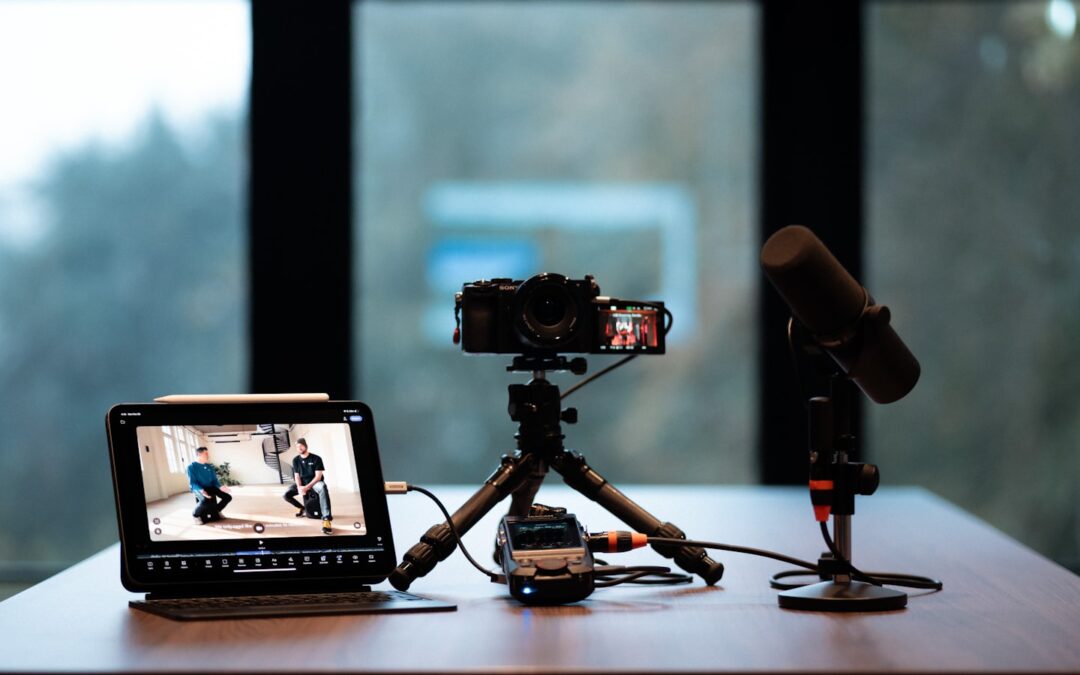
A basic streaming setup is not a studio. It is the smallest combination of tools that lets you go live, stay understandable, and avoid obvious failure. That usually means one device, one microphone, one streaming app or platform, and a connection that can hold steady long enough for a real session. The part beginners miss is that the room is part of the setup too. If the room is echoey, noisy, or badly lit, the gear list stops mattering as much.
Most beginner guides list camera, mic, computer, software, and internet as if the order does not matter. The order does matter. A stream with plain video and clean audio usually feels more competent than one with a sharp camera and a hollow voice. That is why the page follows the smallest workable path first, not the prettiest one.
Basic streaming setup by scenario: desk, mobile, or hybrid
“Basic” means different things depending on where you stream. A desk creator, a mobile creator, and a low-budget first-timer do not fail in the same place. Pick the wrong scenario and you usually buy the wrong first upgrade.
| Scenario | Minimum workable setup | What usually breaks first | When it fits |
|---|---|---|---|
| Desk setup | Laptop or desktop, USB mic, built-in webcam or basic webcam, streaming software, ethernet if possible | Room echo and keyboard noise | Talking-head streams, tutorials, coaching, simple game commentary |
| Mobile setup | Phone, lav mic or compact wireless mic, stable mobile connection, battery backup, streaming app | Connection stability and handling noise | IRL, walk-and-talk, field updates, movement-heavy content |
| Low-budget hybrid | Phone or laptop, one external mic, basic light, simple background control, streaming software | Trying to do too much with one device | First live sessions when you are testing format and audience fit |
Desk setup
A desk setup is the cleanest path for most beginners because it keeps the workflow simple: one person, one mic, one screen, one camera angle. The weak point is usually not the camera. It is the room. Hard floors, bare walls, and a keyboard too close to the mic can make a cheap stream sound more expensive than one with fancier gear but worse placement. If you sit at a desk, solve audio placement before you chase a camera upgrade.
For a beginner, that means starting with the microphone and the room. A USB mic placed close to your mouth often gives a bigger quality jump than a better webcam. That is why audio, not video polish, is the first buying decision in this guide.
Mobile setup
Mobile streaming is the fastest way to start, but it is also the easiest way to run into unstable audio or connection problems. A phone can be enough if you stay in one place and the environment is controlled. Once you move, background noise and handling noise become the weak spots. For walk-and-talk content, a lav mic usually helps more than a camera upgrade.
The practical test is simple: can your device stay charged, can the signal stay stable, and can your voice stay readable over the environment? If one of those fails, the stream will feel shaky even if the video looks fine.
Low-budget hybrid
The hybrid setup is the safest first step when you do not know your format yet. Use the device you already have, add one upgrade that removes the biggest weakness, and stop there. For some beginners that weakness is audio. For others it is a dark room that makes the camera work too hard. The point is not to build the perfect rig. The point is to stop the first obvious failure.
That approach also fits people testing whether live sessions will become a real offer. A branded live platform such as Scrile Stream matters later, when you need private chat, payments, moderation, or a repeatable live format. For the first stream, your job is still simpler: make one setup that works without constant repair.
What to buy first in a basic streaming setup
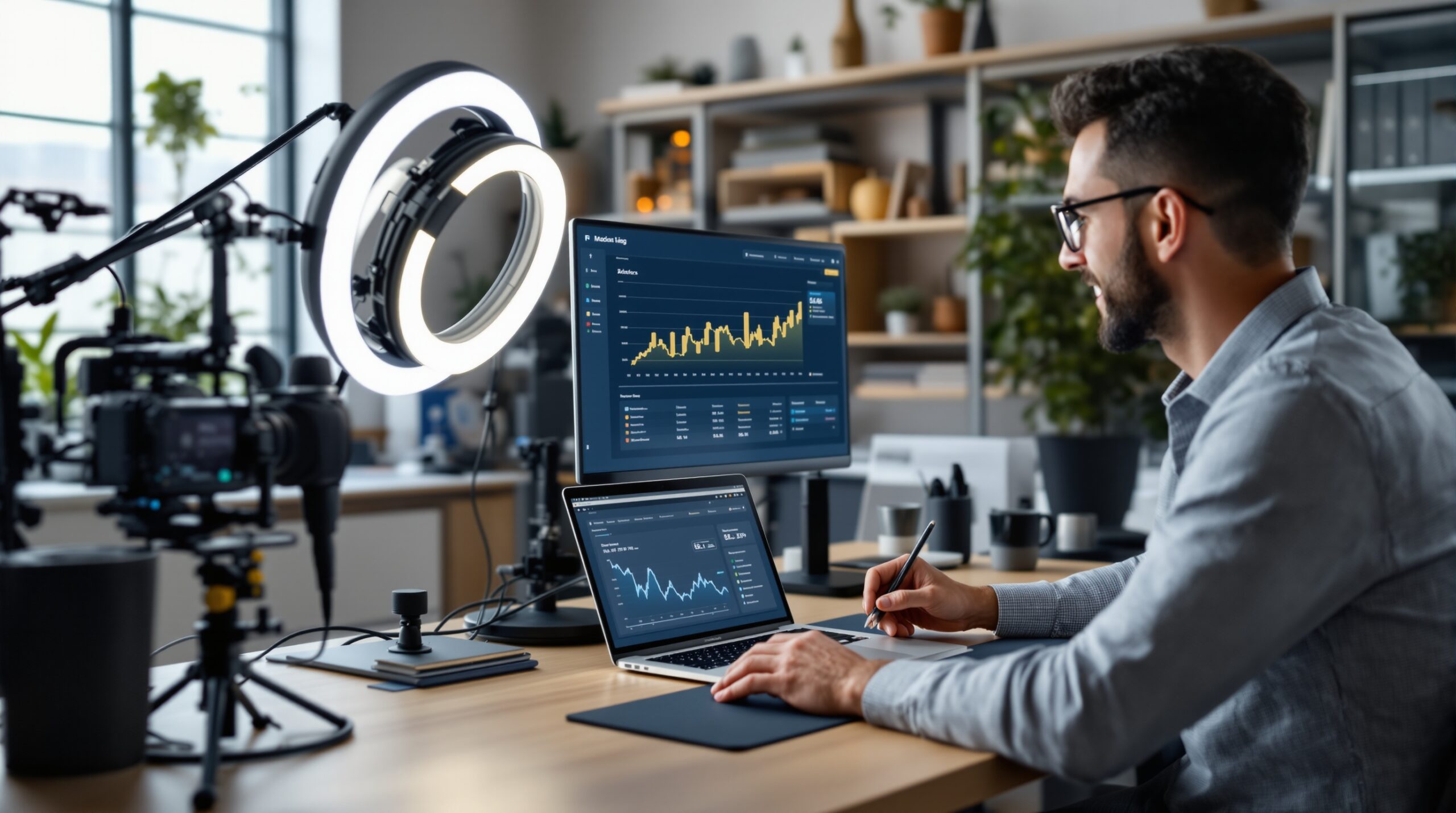
Beginners often start with the most visible item, usually the camera. That feels productive, but it is the wrong way to spend the first budget. Live viewers forgive plain video faster than they forgive bad sound or a stream that drops mid-session. Buy in the order of failure risk, not in the order of what looks impressive on a product page.
Priority 1: fix the voice path
Start with the microphone. If the room is echoey, add soft items before you buy a more expensive camera. A rug, curtains, a blanket, or even a padded corner can change the result more than a shiny lens. This is the first place beginners can save hours of rework because they stop fighting sound problems that a camera will never fix.
If your room is noisy, move the mic closer and move the noise farther away. A $90 microphone placed correctly can beat a much pricier one sitting in the wrong spot. The audience hears placement faster than branding.
Priority 2: stabilize the connection
Next, make sure the stream can stay up. For a desk setup, ethernet is the easiest fix. On mobile, test upload speed in the exact place and time window you plan to stream. Stable connection matters more than peak speed. A line that sits steadily at one level is more useful than a fast connection that drops during the live session.
If your stream is gaming-based, connection stability is only half of the story. The computer also has to run the game and encode the stream at the same time. That means the machine can be “fine” for video calls and still struggle once you go live.
Later upgrades: only after the base works
Only after audio and connection are safe should you add a better camera, stronger lighting, a capture card, a mixer, or a video switcher. Those tools help when the base is already solid. They do not rescue a setup that keeps failing for more basic reasons.
| Item | Buy first or later? | Why | Good enough threshold |
|---|---|---|---|
| Microphone | First | Audio failures make viewers leave fastest | Voice is clear without harsh room echo |
| Internet connection | First | Unstable upload kills live continuity | Stable upload for the full stream window |
| Camera | Second or third | Video can be plain and still acceptable | Face is visible and framing is steady |
| Lighting | Second or third | Useful when the room is dark or backlit | Eyes and face are readable without strain |
| Accessories | Later | Green screens, mixers, capture cards solve narrower problems | You know exactly why you need them |
One more useful rule: assign each setup part a clear owner, even if you are solo. In team environments, unclear ownership creates rework because nobody is sure whether the stream failed because of the mic, the room, or the connection. On a personal setup, that same confusion shows up as repeated trial and error. A simple checklist prevents that loop.
When a basic setup is good enough
“Good enough” is a threshold, not a compliment. If you cannot define it, you keep buying gear. That is how a beginner setup slowly turns into a stalled project with too many untested parts.
For video, good enough means viewers can see your face clearly without distraction. It does not mean cinematic depth or studio color. For audio, good enough means your voice is easy to understand and the room is not doing half the talking. For connection, good enough means the stream stays live long enough for the session to feel intentional. Once those three things are true, more gear is usually a convenience, not a requirement.
The threshold changes by content type. A talking-head stream can work with plain video if the sound is clean. A gaming stream has a higher hardware load, so the same machine may fail even if the camera looks fine. That is why “basic” is not one universal setup. It is a working minimum for a specific use case.
A good room also changes the threshold. A tidy, soft room can make a budget mic feel surprisingly strong, while a bare room can make expensive gear sound thin. That is why the room is part of the setup, not an afterthought.
Streaming setup choices that break in real rooms
Most beginner mistakes happen because the room gets ignored. People buy for the camera and then stream from a kitchen, hallway, or bare office. The feed looks more expensive on paper than it sounds in practice. A stream that is technically “live” but hard to hear is still a weak stream.
Noisy room
If fans, traffic, roommates, or office noise are present, placement matters more than brand. Put the mic closer to your mouth and farther from the noise source. If you can move the noise, move it. If you cannot, change the mic position first. A $90 microphone in the right place can outperform a more expensive mic pointed the wrong way.
Echoey room
Echo is a room problem before it is a mic problem. Bare walls and hard floors bounce sound back into the microphone, and that bounce makes speech tiring to listen to. Soft surfaces are the cheapest fix: rugs, curtains, blankets, shelves with books, or even a padded corner can help. A bigger camera will not solve that.
Gaming stream
Gaming adds a second load because the computer has to run both the game and the stream at the same time. A machine that is fine for calls can still stutter under live encoding. Check frame stability before you spend on a prettier webcam. Otherwise you polish a stream that still drops frames.
Talking-head stream
Talking-head streams are forgiving on video and strict on audio. That makes them a good starting point for beginners who want a simple format and a clear first test. A plain webcam is often enough if the mic and room are handled correctly. In this case, clarity matters more than style.
Common beginner mistakes with a basic streaming setup
The most expensive beginner mistake is not buying the wrong brand. It is buying the right category in the wrong order. That mistake shows up as wasted money and another week of troubleshooting.
- Buying a better camera before fixing audio.
- Using Wi‑Fi in a room where ethernet is available.
- Ignoring echo and blaming the mic.
- Adding a green screen before the base lighting works.
- Buying extra gear before the first format is stable.
There is a second mistake that is even more common: treating the first stream like a finished studio production. A first live session should be clear, stable, and repeatable. It does not need overlays, switches, or multiple camera angles unless the content truly needs them. Every extra layer adds a new place to fail, and beginners usually have enough failure points already.
If you want to judge your own setup honestly, look for the first weak link instead of the loudest complaint. A cheap camera may be fine in a soft room. A strong mic may still sound bad if it is too far away. A fast connection may still fail if the device is overloaded. Fix the first weak link, not the most obvious one.
Go-live readiness checklist for your first stream
Before you click Go Live, run the same short check every time. It catches the problems that show up in the last five minutes, not the ones you already solved yesterday.
| Test | Owner | Pass signal | Fail signal |
|---|---|---|---|
| Audio test | You | Voice is clear at normal speaking distance | Hiss, echo, or clipped peaks |
| Video framing | You | Face sits inside the frame with no distraction | Head cut off, poor focus, or harsh backlight |
| Upload stability | You or ops support | Connection stays steady for 10-15 minutes | Buffering, drops, or bitrate swings |
| Lighting sanity check | You | Eyes and mouth are easy to see | Face is dark, blown out, or half-hidden |
| Backup plan | You | Second device or alternate route is ready | No fallback if the main setup fails |
A short routine like this saves real time in the first month because it turns setup into a habit instead of a debate. It also protects confidence. Nothing drains momentum faster than rebuilding the stream while viewers are waiting.
What you can safely skip for now
You can skip the capture card unless you are pulling in external video sources. You can skip the mixer unless you are managing multiple audio inputs. You can skip the video switcher unless you truly need more than one camera. Green screens are optional, not foundational. Extra lights are useful only after the room and camera angle are already decent.
This exclusion list matters because beginners often buy accessories as confidence substitutes. The gear feels like progress, but the stream quality barely moves. A simple setup that works is more valuable than a fancy setup that stays boxed up. The first goal is not perfection. It is proof that you can go live consistently.
It also helps to delay any item you cannot explain in one sentence. If you cannot say what problem the new tool solves, it is probably not the next purchase. That rule keeps the setup compact and protects the budget for the things that change the stream most.
The simple path from first stream to a monetizable setup
Once the base setup is stable, the next question is not which shiny tool to add. It is what kind of live format you are building. A hobby stream, a coaching session, a paid private session, and a group live room do not need the same workflow. At that point the setup starts to shift from hardware to format control.
That is where the product layer matters more. If the live format needs private access, moderation, payments, or a branded customer flow, a platform stack becomes part of the setup itself. A solution such as Scrile Stream fits that stage better than another round of equipment buying. It is not the right answer for a first hobby broadcast; it is the right conversation once the stream is already stable and the goal is to turn it into a repeatable offer.
If you are still deciding whether to build a stream around paid sessions, the natural next read is Live Stream and Earn Money: Monetization Playbook. It keeps the setup question in the right place: first make the stream work, then decide how it earns.

Before buying anything else, run one test stream with what you already have. Change only one variable at a time: room, mic position, connection method, then lighting. After three tests, you will know more than most beginners who buy first and troubleshoot later. If the stream still fails, the problem is usually one weak point, not the whole setup.
How Scrile Stream fits this stage
Once the basic streaming setup is stable and the question becomes “what kind of live experience am I building?”, the analysis shifts. That is where Scrile Stream fits better than another round of hardware buying. It is built for teams that need branded live video, private and group chat, tipping, premium content, and direct payments in one system. In other words, it solves the platform side of live streaming after the first session has already proved there is demand.
That matters most when the stream is no longer just a camera feed. If you are planning paid sessions, niche community access, or a white-label service under your own domain, a platform stack becomes part of the setup itself. Scrile Stream is not the right answer for a first hobby broadcast on a laptop, and that honesty matters. It makes more sense when the live format needs moderation, monetization, and a repeatable customer flow.
Frequently asked questions
When is a phone enough and when is it not?
A phone is enough when you are streaming from one place, the room is quiet enough, and you are not asking the device to do too much. It stops being enough when audio, battery, or connection stability becomes the weak link.
What happens if my room echoes badly?
If the room echoes, a better camera will not fix the stream. Add soft materials first, move closer to the mic, and test again before you spend on video upgrades.
How do I know when the basic setup is no longer enough?
You have outgrown the basic setup when the stream format needs more control than one device can handle, or when the audience expects cleaner production than your current room can deliver. That is the point where workflow and platform start to matter more than gear.
What risk is highest if I use Wi‑Fi instead of ethernet?
The main risk is not just lower speed. It is instability. A stream that drops or fluctuates during the live session feels broken even if the average speed looks fine on paper.
Can I skip lighting if my camera is decent?
You can skip lighting only if the room already gives you even, readable light. If your face is dark, backlit, or noisy on camera, a small light usually helps more than another camera upgrade.
When should I stop adding accessories and move to a platform setup?
Stop adding accessories when each new item changes the look more than the working model. If you are already thinking about payments, private access, or branded live rooms, it is time to think beyond gear.

Builds SaaS platforms for content creators, agencies, and entrepreneurs. Writes about the business mechanics behind creator-economy products and how custom software actually ships.