Let’s be honest. When people start researching a live streaming equipment setup, they usually fall into one of two traps. Either they overbuy gear they don’t need. Or they underinvest and end up with poor quality that quietly kills growth.
Why Your Live Streaming Equipment Setup Matters More Than You Think
We’ve seen this dozens of times with early-stage creators and founders. They scroll YouTube, watch “ultimate studio tour” videos, and assume that a professional result requires a $10,000 budget. It doesn’t. But it also isn’t free. The real challenge is building a streaming setup that looks and sounds professional without draining your runway. Especially if you’re a content creator or young entrepreneur trying to validate a niche.
Here’s the uncomfortable truth: your audience doesn’t consciously analyze your camera specs. However, they immediately feel bad lighting, echoing sound, or unstable video. And when something feels off, they leave. Quietly.
That’s why your streamer setup isn’t just a technical decision. It’s a marketing decision. Good production quality signals trust. Trust increases retention. Retention increases conversions. And if monetization is your goal, then quality becomes part of your sales funnel.
What You Actually Need Without Overpaying
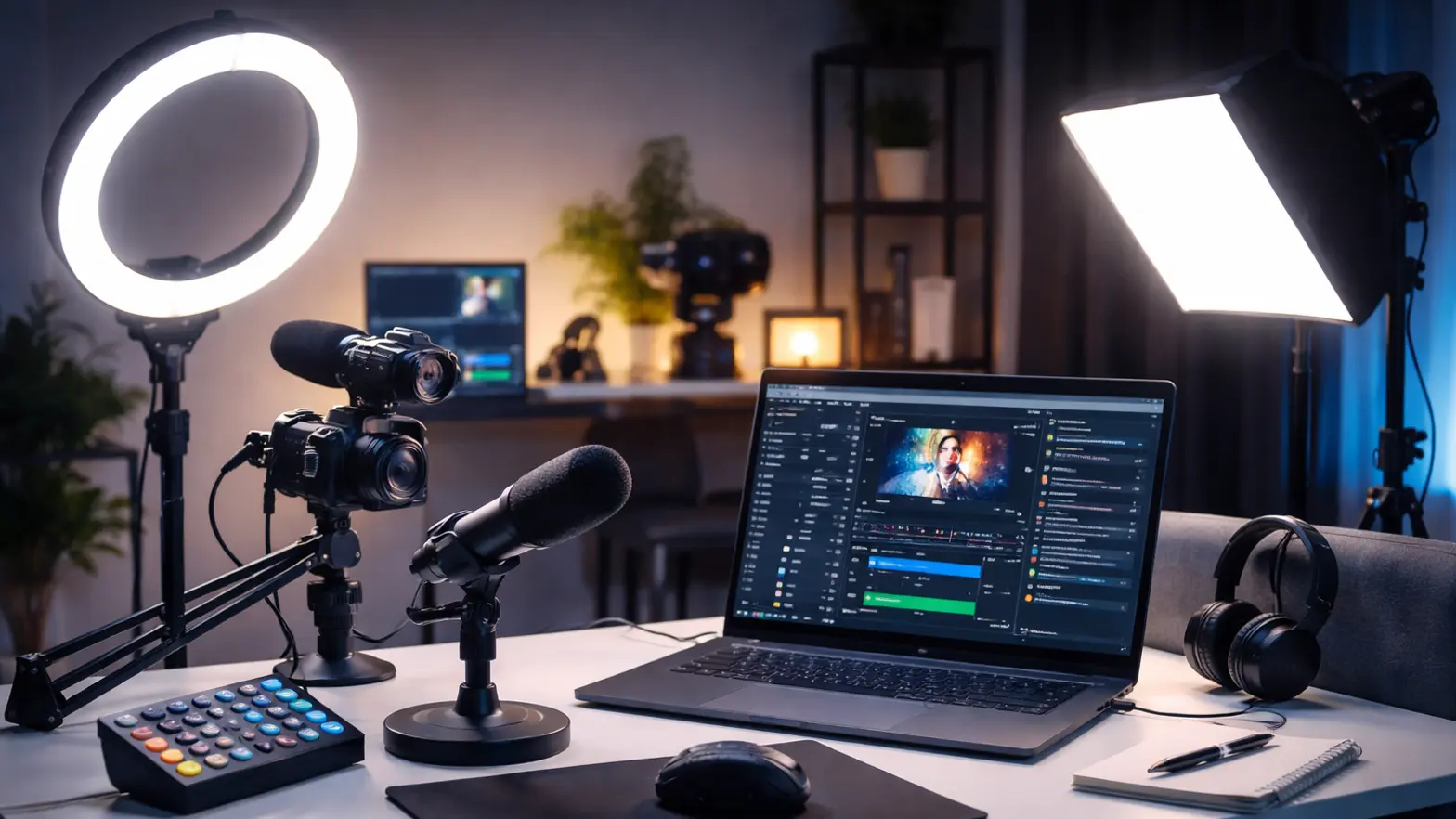
If you want a solid live streaming equipment setup without wasting money, here’s the short version:
- Invest primarily in lighting and audio first.
- Buy a good-quality 1080p camera (whether that be a webcam or a mirrorless camera).
- Make sure you have an upload speed of 10–20 Mbps.
- Always use a reliable software streaming platform (e.g., OBS).
- Test everything before going live.
That’s it. No magic. No unnecessary complexity.
A major problem most new video creators face is their belief that the camera has a direct impact on video quality. However, that is not true. The perceived quality of a video is affected by audio, lighting, and stability. You can make a poorly recorded video with a very good camera look bad due to poor audio, lighting, and stabilization.
You can build a functional budget streaming setup for under $1,000. And if you’re validating a niche or building your first paid audience, that’s more than enough. Here’s how we usually frame it for founders:
If viewers can clearly hear you, see you well-lit, and watch without buffering — you’re already ahead of half the market. Now, as you scale revenue, you upgrade strategically. Not emotionally.
In the next sections, we’ll break down exactly what that looks like — starter, mid-level, and pro configurations — and where each dollar makes the biggest difference. Because a smart stream setup grows with your business.
Live Streaming Equipment Setup by Budget: Starter, Mid, and Pro
Now let’s get practical. Your ideal live streaming equipment setup depends on one thing: are you testing an idea, growing revenue, or scaling a business?
We like to divide it into three levels — starter, mid, and pro. Each level has a different purpose. And more importantly, a different ROI expectation.
Starter / Cheap Streaming Setup ($500–$1,000)
This is your validation stage. You’re testing demand, content style, and audience response. Don’t overspend here.
Camera
- 1080p webcam.
- Or smartphone with a tripod.
Microphone
- USB condenser mic.
- Basic pop filter.
Lighting
- Ring light.
- Or two small LED panels.
Internet
- Minimum 10–20 Mbps upload.
- Wired Ethernet connection (no Wi-Fi if possible).
Software
- OBS Studio (free).
- Simple overlays.
Background
- Clean wall.
- Minimal distractions.
Here’s the key insight: lighting can make a $100 camera look expensive. Bad lighting makes a $1,000 camera look cheap.
This level works perfectly as a cheap streaming setup if your focus is traction, not perfection.
Mid-Level Streaming Setup ($1,500–$3,000)
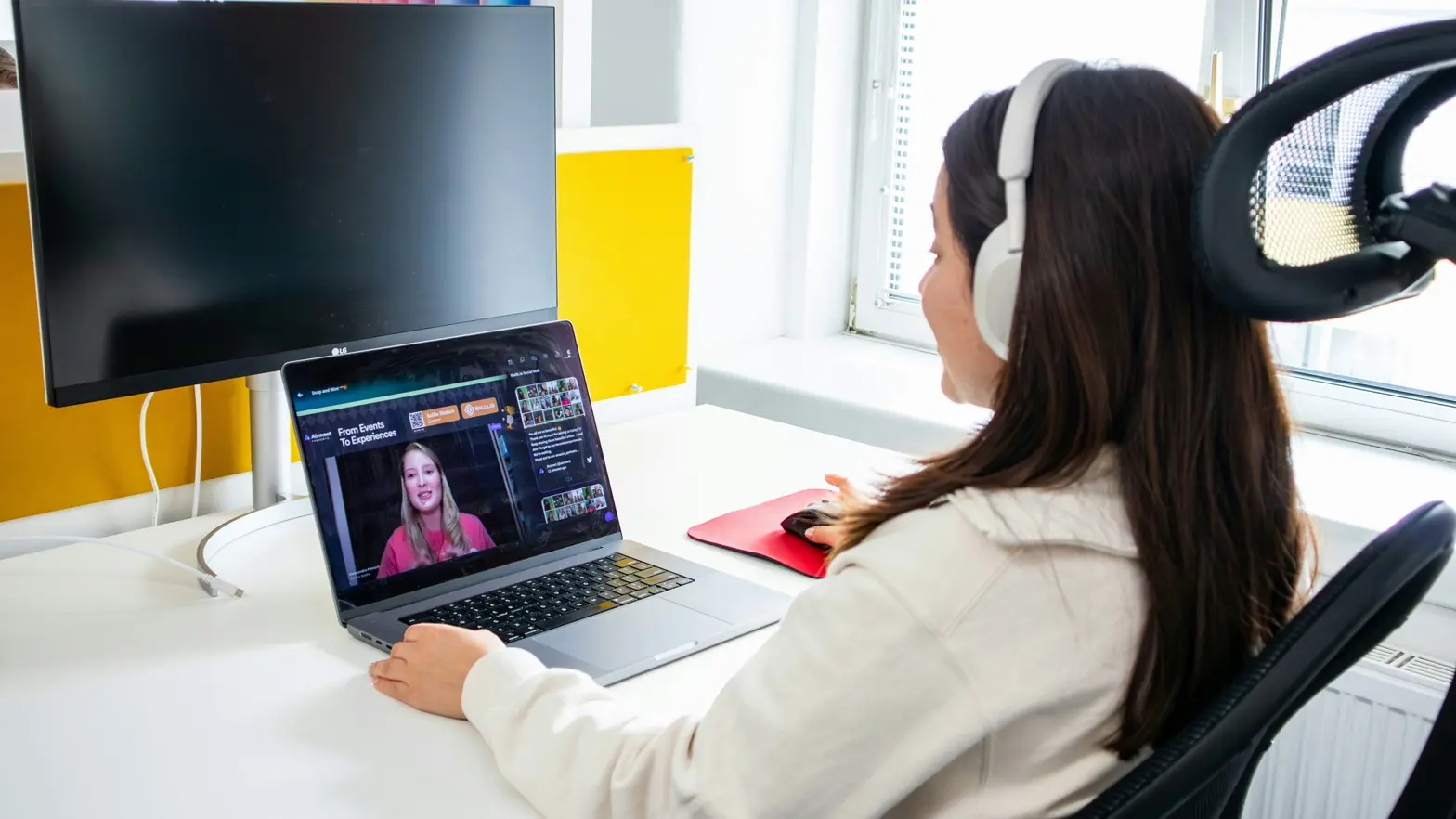
This is where things get interesting. You already see consistent viewers. Maybe you’re monetizing.
Now you upgrade strategically.
Camera
- Mirrorless camera with clean HDMI.
- Capture card.
Audio
- XLR microphone.
- Audio interface.
Lighting
- Two or three adjustable LED panels.
- Basic light modifiers.
Internet
- 30+ Mbps upload.
- Backup hotspot.
Encoder
- Software encoder (high-quality preset).
- Optional hardware encoder.
This level significantly improves depth, clarity, and perceived professionalism. Your livestream setup now feels intentional, not improvised. And that perception matters.
Pro Streamer Setup ($5,000+)
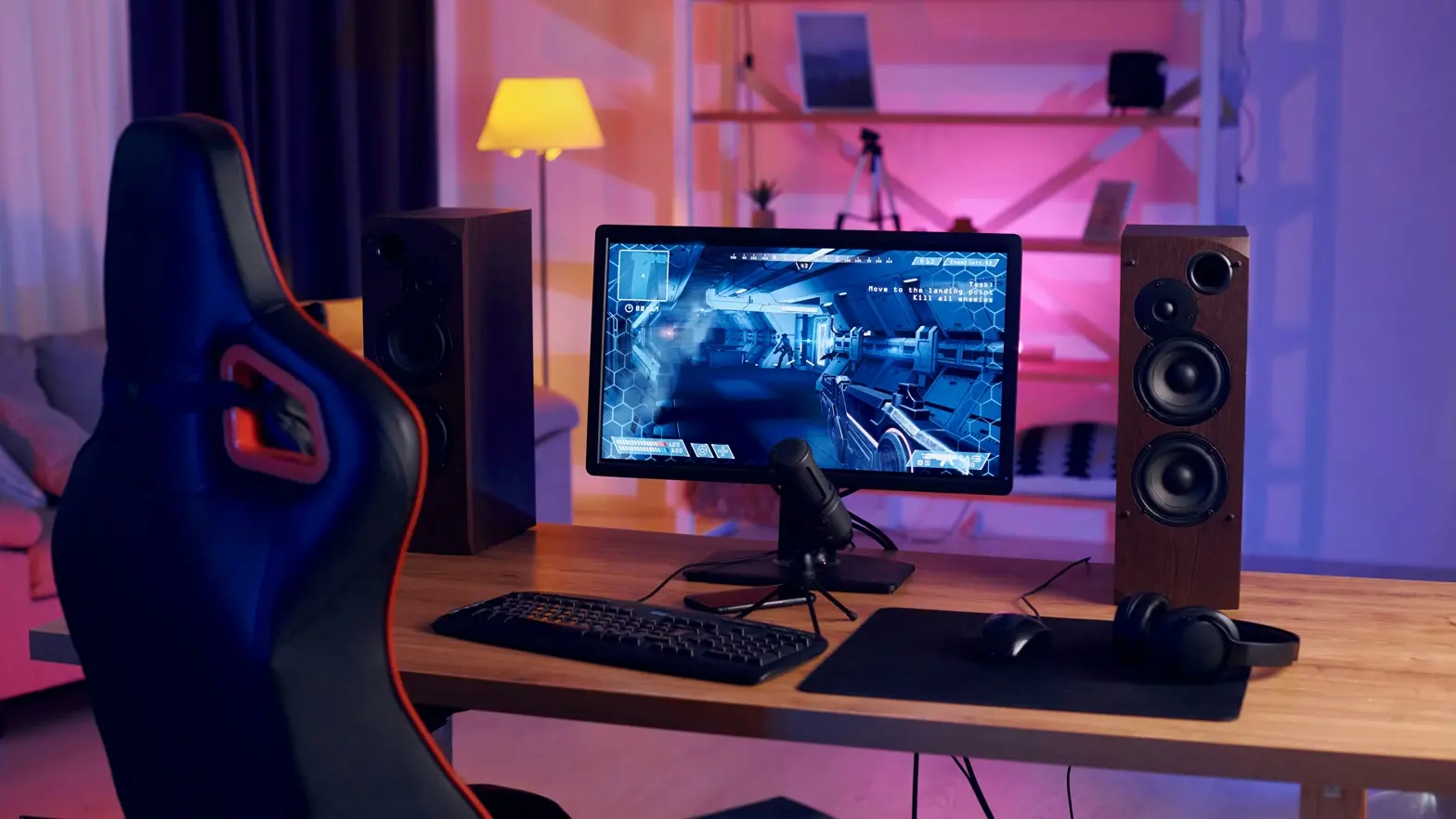
At this stage, you’re not just streaming. You’re operating a production environment.
Camera
- Full-frame mirrorless or cinema camera.
- Multi-camera angles.
Audio
- Broadcast-grade XLR mic.
- Mixer or digital processor.
Lighting
- Studio softboxes.
- Dedicated key/fill/back light.
Network
- Dedicated internet line.
- Automatic failover backup.
Studio
- Acoustic treatment.
- Branded set design.
A pro streamer setup doesn’t just improve quality. It reduces friction, minimizes risk, and supports higher pricing. But here’s the honest advice: don’t start here. Earn your way here.
Why Sound and Lighting Matter More Than an Expensive Camera
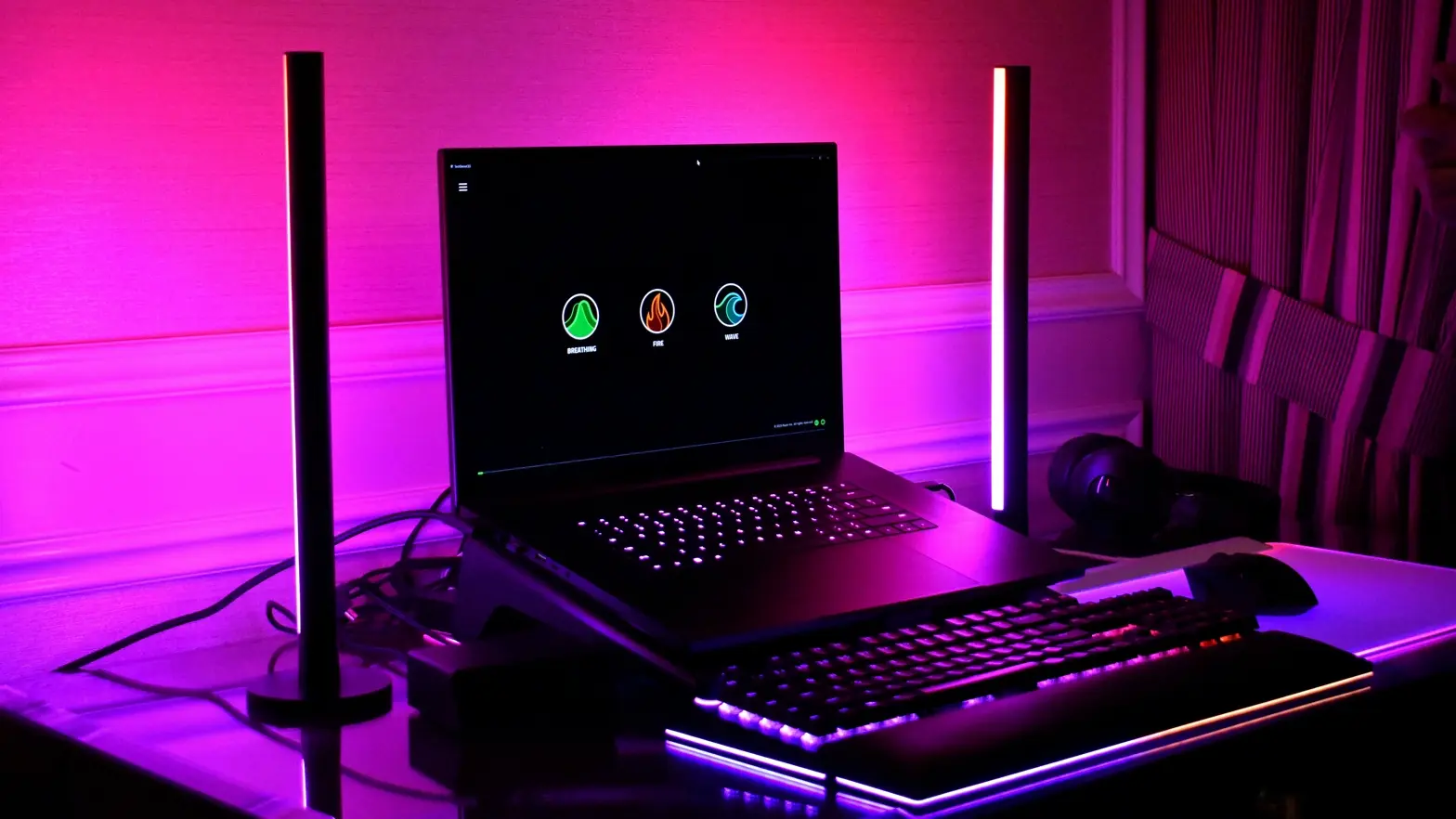
Here’s something most beginners don’t want to hear. Your audience will forgive average video. They won’t forgive bad audio. When viewers hear echo, background noise, or volume fluctuations, they leave. Not because they’re picky. Because it feels uncomfortable. And discomfort kills retention fast.
“Poor audio quality is more likely to make viewers stop watching than low video quality.” TechSmith Blog
That’s a powerful insight. And it aligns with what we see in real-world streaming businesses.
Audio First, Always
If you’re building a streaming setup on a limited budget, allocate money like this:
- 35–40% to audio.
- 30–35% to lighting.
- 20–25% to camera.
- The rest to the accessories.
A $150–$300 USB microphone already delivers a massive upgrade over built-in audio. If you step into XLR territory, the difference becomes even more noticeable.
And importantly, audio quality directly impacts perceived expertise. Clear sound makes you look competent.
Lighting Creates Perceived Production Value

Lighting shapes how expensive your stream feels.
Even a basic livestream setup can look premium if:
- Your face is evenly lit.
- There are no harsh shadows.
- The background is separated with soft backlight.
You don’t need cinema gear. You need control. Two soft LED panels placed at 45-degree angles will outperform a single bright overhead light every time. So, before upgrading to a $1,200 camera, ask yourself:
- Have I maximized my lighting?
- If the answer is no, that’s your next move.
Broadcast Stability: The Most Underrated Part of Any Stream Setup
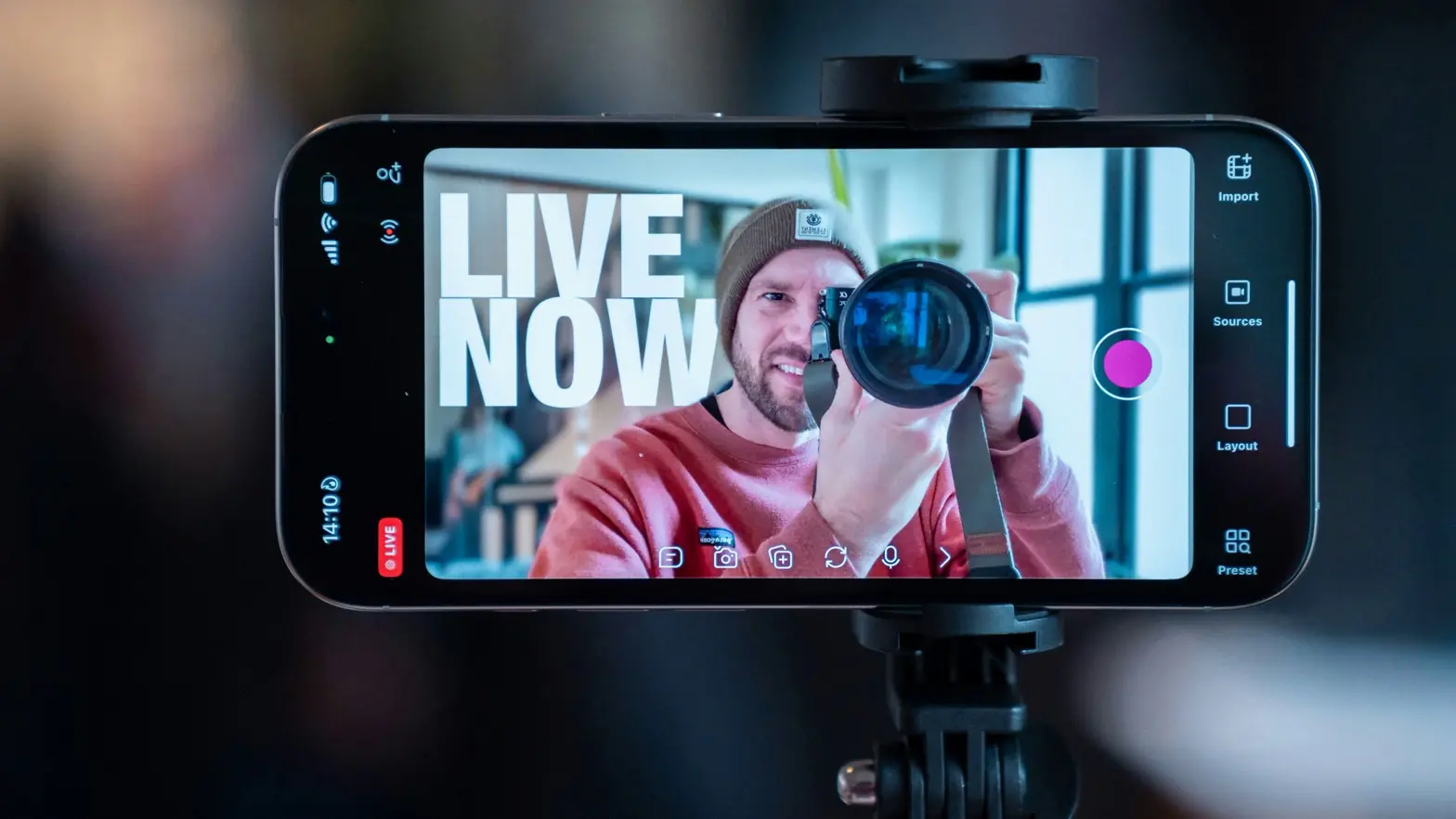
You can have perfect lighting and studio-grade audio. If your stream buffers or drops, none of that matters. Stability is the silent backbone of every serious stream setup. And yet, many creators treat internet quality as an afterthought. That’s a mistake.
Internet Speed: What You Actually Need
Here’s a simple rule: your upload speed should be at least twice your streaming bitrate.
For example:
- Streaming in 1080p typically requires a 6 Mbps bitrate.
- Therefore, you need at least 12 Mbps stable upload.
We usually recommend 20–30 Mbps minimum. Not because you’ll use it all, but because you need headroom. Also, always stream via Ethernet. Wi-Fi introduces instability, even if the speed looks good on paper.
Backup Plans Separate Professionals from Amateurs
If streaming generates income, you need redundancy.
That means:
- 4G or 5G hotspot ready.
- Secondary ISP (for higher-tier setups).
- UPS battery backup for short outages.
A dropped broadcast during a paid session doesn’t just hurt revenue. It hurts trust. And trust is expensive to rebuild.
Pre-Broadcast Testing Checklist
Before every stream:
- Run a speed test.
- Do a private test broadcast.
- Monitor CPU usage (keep under 70%).
- Check audio levels.
- Confirm bitrate settings.
This takes five minutes. It can save hours of damage control. A stable livestream setup doesn’t happen by accident. It’s engineered. And once you engineer stability, you protect both your audience and your income.
How Your Technical Baseline Impacts Retention and Revenue
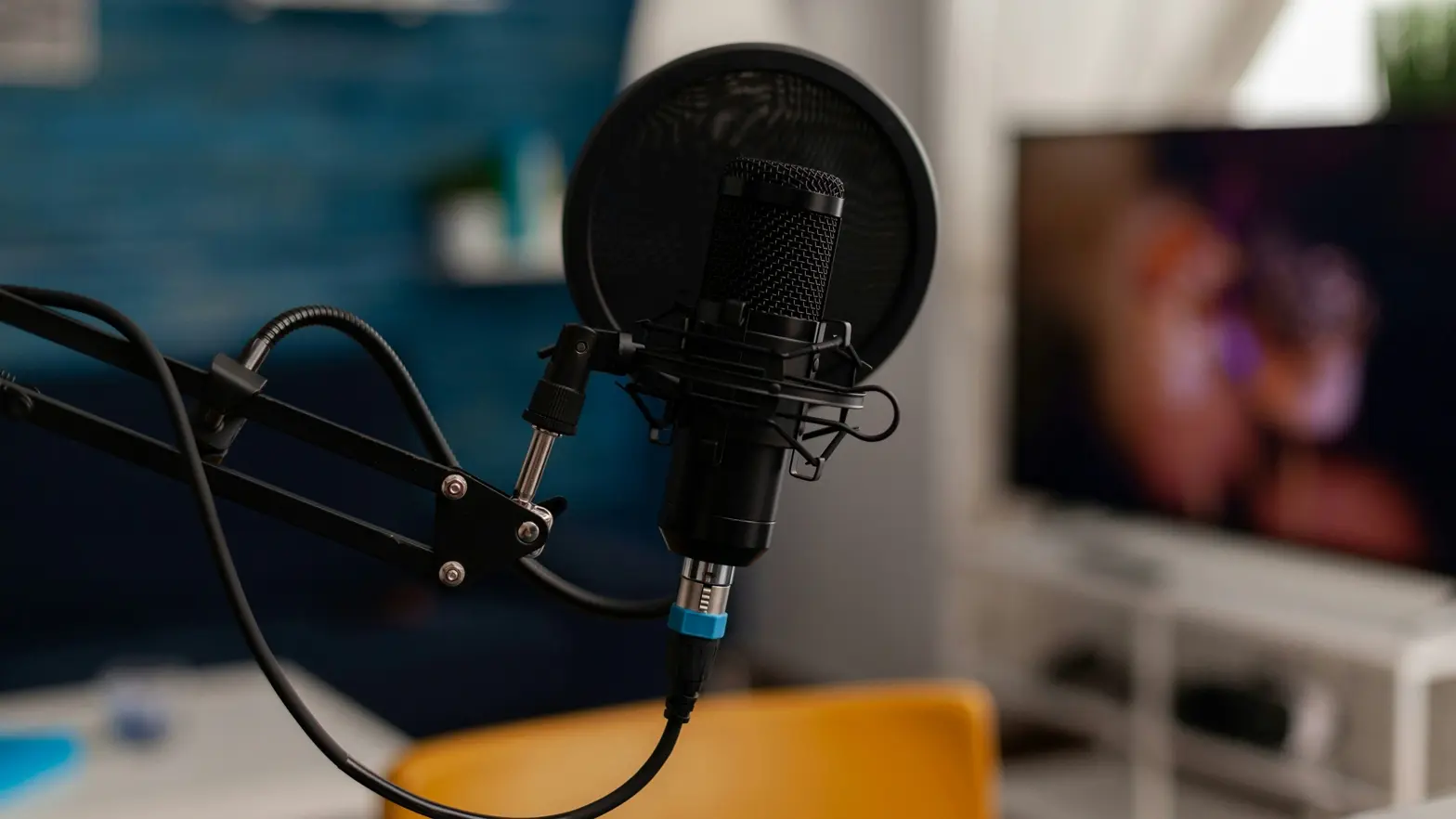
Let’s see what the live streaming equipment setup does beyond making the image quality because this can affect your viewership. It can also lead to increased time watched as well as increased interaction and conversions.
Conversion is when a viewer actually performs an action, such as
- Give a tip.
- Buy premium content.
- Join a paid community.
Your viewers will stay longer than they would with poor quality, and you will consistently see higher forms of action as a result of that action.
A Simple Revenue Example
Let’s run a small calculation.
Assume:
- 100 viewers per stream.
- 5% conversion to paid action.
- $10 average purchase.
That gives you:
- 100 × 5% = 5 buyers.
- 5 × $10 = $50 per stream.
Now imagine better lighting and audio improve retention. Your conversion rate increases from 5% to 8%.
- 100 × 8% = 8 buyers.
- 8 × $10 = $80 per stream.
That’s a 60% revenue increase.
Same traffic. Same content. Just better production quality. If you stream 12 times per month, that’s an extra $360 monthly. Over a year, $4,320.
Suddenly, upgrading your streaming setup looks less like an expense and more like an investment.
Perceived Professionalism Drives Higher Pricing
Here’s another overlooked factor. When your production looks clean and stable, you can charge more. Viewers associate quality with value.
A polished streamer setup signals that you take your work seriously. That psychological signal matters. In competitive niches, small differences in quality often determine who wins.
So, think of your technical baseline as part of your marketing strategy. Because in livestreaming, perception directly influences profit.
Live Streaming Equipment Setup Checklist: How to Choose What’s Right for You
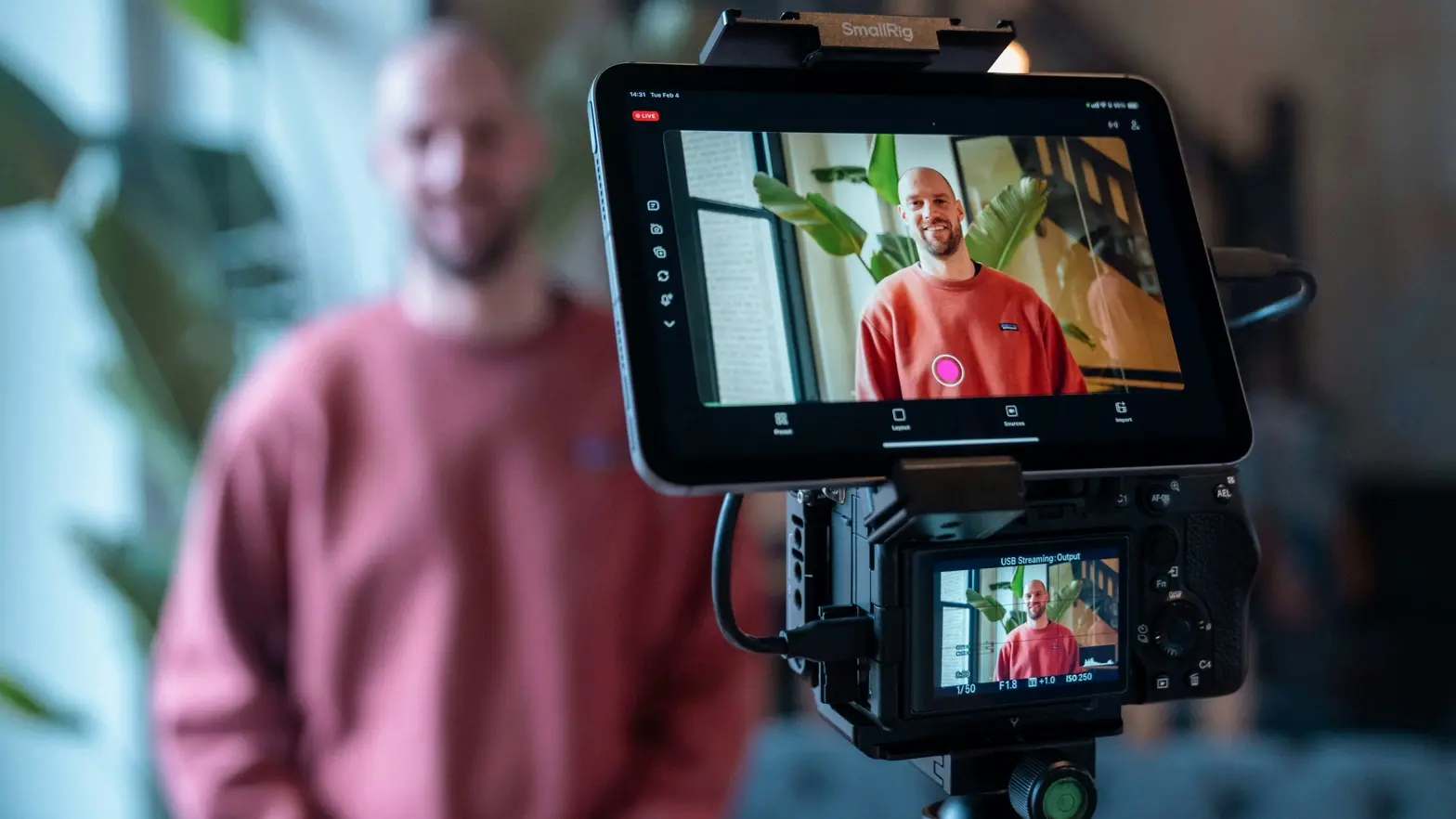
At this point, you’re probably asking the most practical question:
“What should I actually buy first?”
Good. That’s the right mindset.
Your live streaming equipment setup should reflect your current stage, not your aspirations. Too many creators build a studio for an audience they don’t yet have. That’s risky and unnecessary. Let’s break it down clearly.
If You’re Testing an Idea
Start with a budget streaming setup. Make it flexible (changeable).
Priorities:
- USB mic—good sound quality.
- Two inexpensive LED lights.
- Webcam—1080p.
- They are wired.
- You must use free streaming software.
At this point your goal is to validate that your audience is interested in your content before you make a big investment. Cost-effective. Low-risk. The speed of learning is high.
If You’re Already Monetizing
Upgrade expressly.
Priorities:
- XLR mic with audio interface.
- Better light control.
- Mirrorless cam for depth.
- Backup internet.
When upgrading, think of an increase in revenue/retention. Each upgrade can connect to strong business growth. If an upgrade does not increase your level of engagement, pricing power, or level of stability, you should hold off on that upgrade.
If Streaming Is Your Core Business
Think like a technician rather than someone who makes things. You’ll want:
- Backed-up internet connection.
- Acoustic treatment.
- Multiple sources (camera).
- Hardware encoder to stabilize the streams.
Maximize reliability and premium placement.
Quick Comparison Summary
| Stage | Main Goal | Priority Investment | Risk Level |
|---|---|---|---|
| Testing | Validate demand | Audio + Basic Lighting + Stable Internet | Low |
| Growing | Increase revenue | Audio Upgrade + Better Lighting + Backup Net | Medium |
| Scaling | Maximize profit | Redundancy + Multi-Camera + Studio Setup | Higher |
Platform Infrastructure and Why It Completes Your Streaming Setup
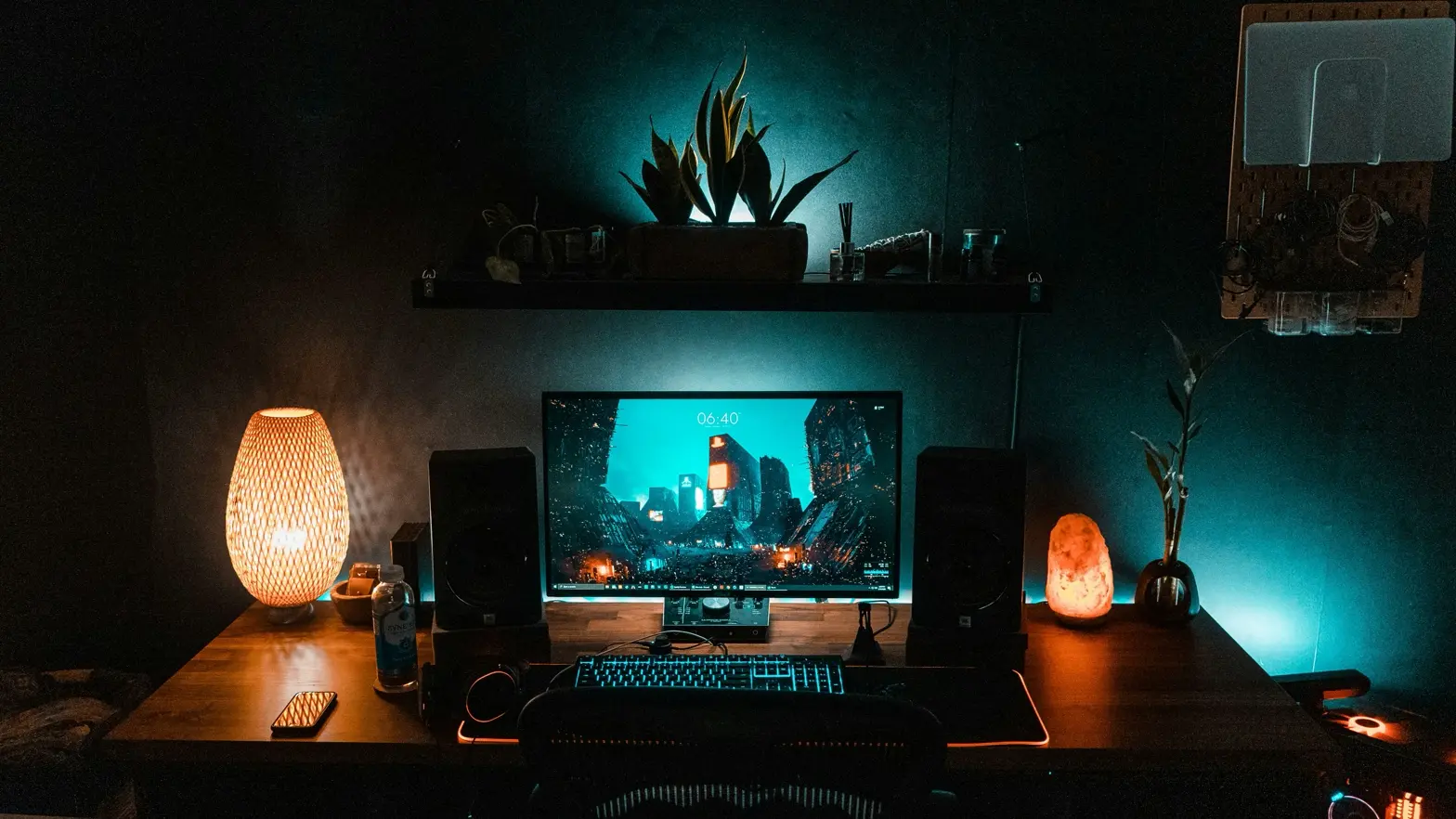
Equipment alone does not make a business. Your live streaming equipment setup handles production quality. But platform infrastructure handles distribution, payments, and growth.
Many creators focus heavily on cameras and lighting. Then they rely entirely on third-party platforms with limited control over monetization and branding.
That approach works at first. But it creates dependency. If you want long-term stability, you need control over your ecosystem.
What Infrastructure Actually Means for Streamers
What constitutes the infrastructure for your stream?
Your stream’s infrastructure consists of:
- Where your live content is hosted.
- Payment processing systems.
- Your subscriptions and access management.
- Content protection (anti-piracy) systems.
- Your ability to handle large amounts of traffic without going down.
If your infrastructure is functioning correctly, your stream is considered a true product. However, if your infrastructure is not functioning correctly, it is merely simply content to be consumed—not something you have the ability to build into a scalable business.
Monetization Built Into Your Stream Setup
A strong streamer setup should connect production with revenue.
Think about features like:
You can monetize your content using various revenue-generating methods, for example:
- Selling live access.
- Selling tips & donations.
- Pay-per-view streams.
- Subscription tiers.
- Locked premium content
Payment tools that are integrated directly into your app make it easier for your users to convert. Since users don’t leave your app to complete a transaction, there are fewer steps for them to make a purchase, which results in more revenue for you.
Scrile Stream: Infrastructure for Monetized Streaming
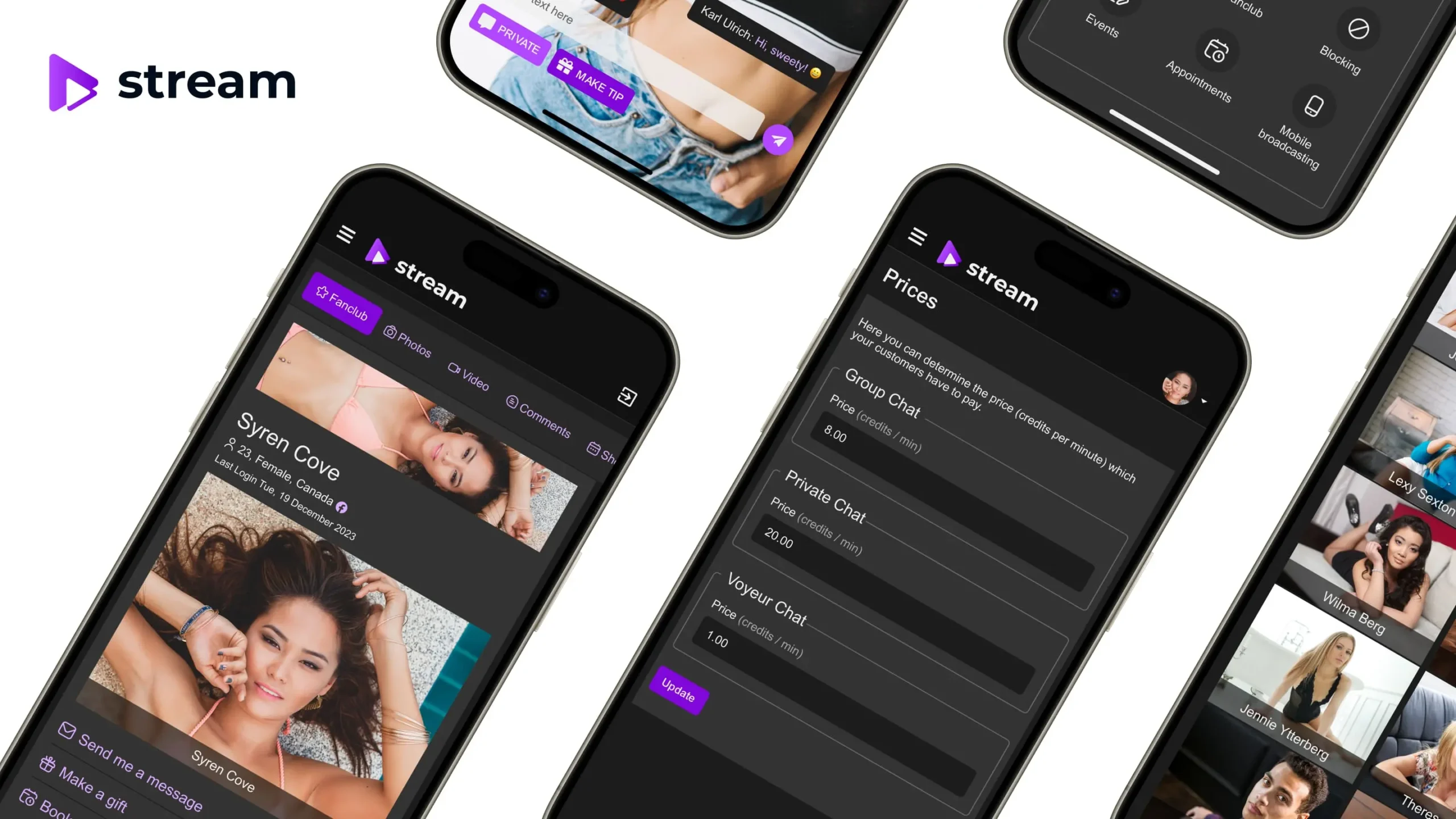
If you want to move beyond basic streaming platforms and build something customized, tools like Scrile Stream provide a more scalable solution.
The BIS helps businesses and content creators to:
- Create a branded live streaming destination.
- Set up different ways to generate revenue.
- Scale as their audiences grow.
- Control their users and their payment processes in the same place.
Instead of depending on multiple marketplaces for monetization, you create an exclusive community around your content, especially if live streaming is your main source of revenue.
When production quality and infrastructure work together, your streaming setup turns into a real digital business — not just a broadcast hobby.
Explore Scrile Stream
Final Optimization: Turning Your Livestream Setup Into a Growth Engine
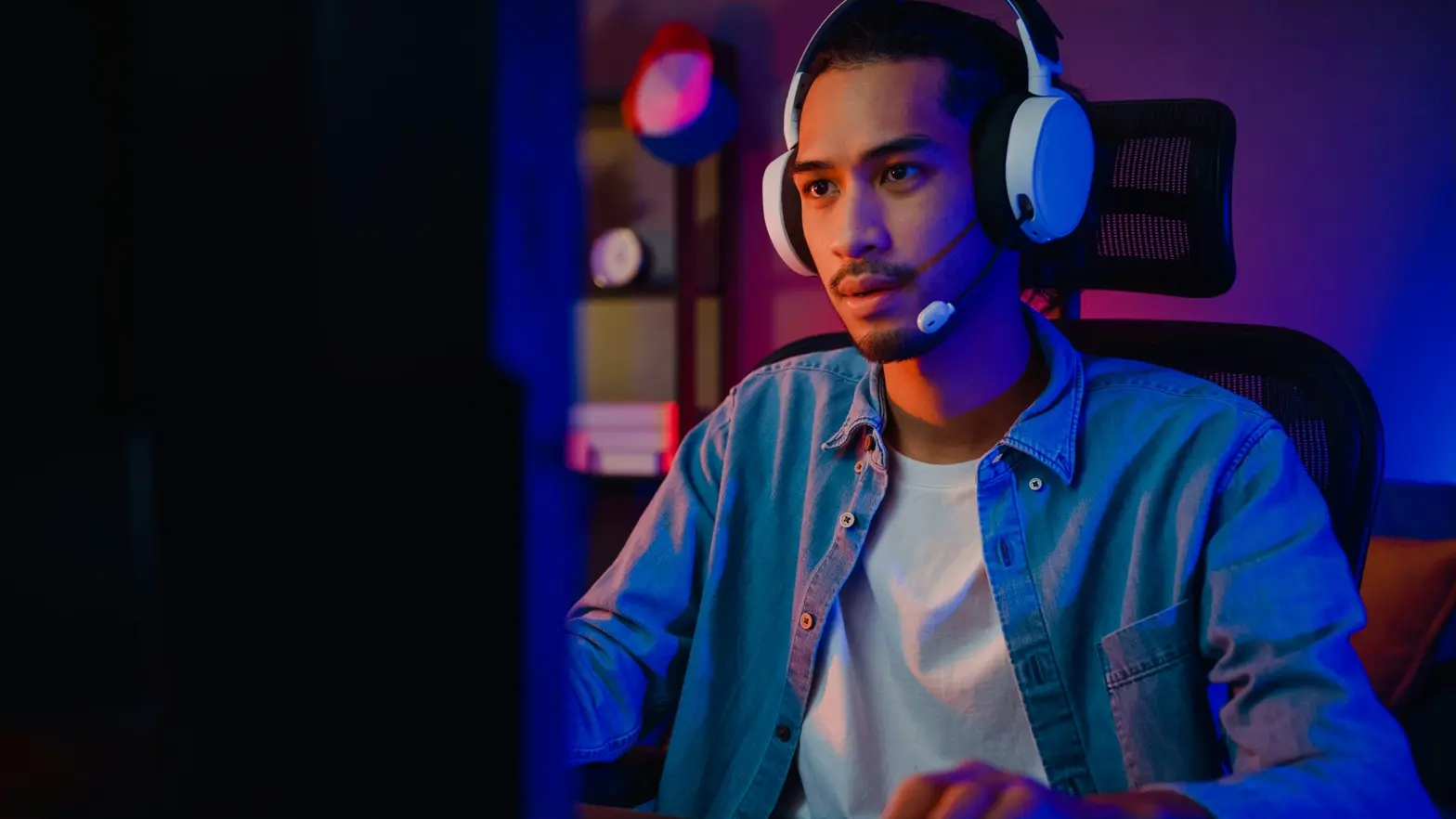
Let’s step back for a moment. You built a solid livestream setup. Your audio is clean. Lighting looks professional. Internet is stable. Platform tools are connected.
Now what? The final step is optimization. Small improvements over time create noticeable growth in retention and revenue. Many creators stop after buying gear. Smart operators keep improving performance.
Track What Actually Works
Don’t upgrade without thinking through metrics:
- Average view time.
- Peak concurrency.
- Drop-offs in streams.
Conversions to leaving paid activities. These numbers tell you where there is friction. For example, if people leave after 10 minutes, then maybe your intro is too long or you’re not engaging enough. Data shows you where there is potential for improvement.
Improve Production Through Feedback
Get direct feedback from your audience:
- Can they hear you clearly?
- Is your video working smoothly?
- What would distract from the stream?
Getting feedback is the best way to improve your streaming setup, because guessing doesn’t work.
You can also record a test stream and watch it back as if you were a critic. Requirements would be lighting problems, noise, and decent framing. Make small tweaks to your equipment and you will feel the results.
Upgrade Strategically Over Time
Updates are being rolled out based on a phased schedule that includes:
- Quality Improvements.
- Reliability Improvements.
- Monetization improvements.
- Brand improvements + design improvements.
Final Thoughts: Build a Smart Technical Foundation
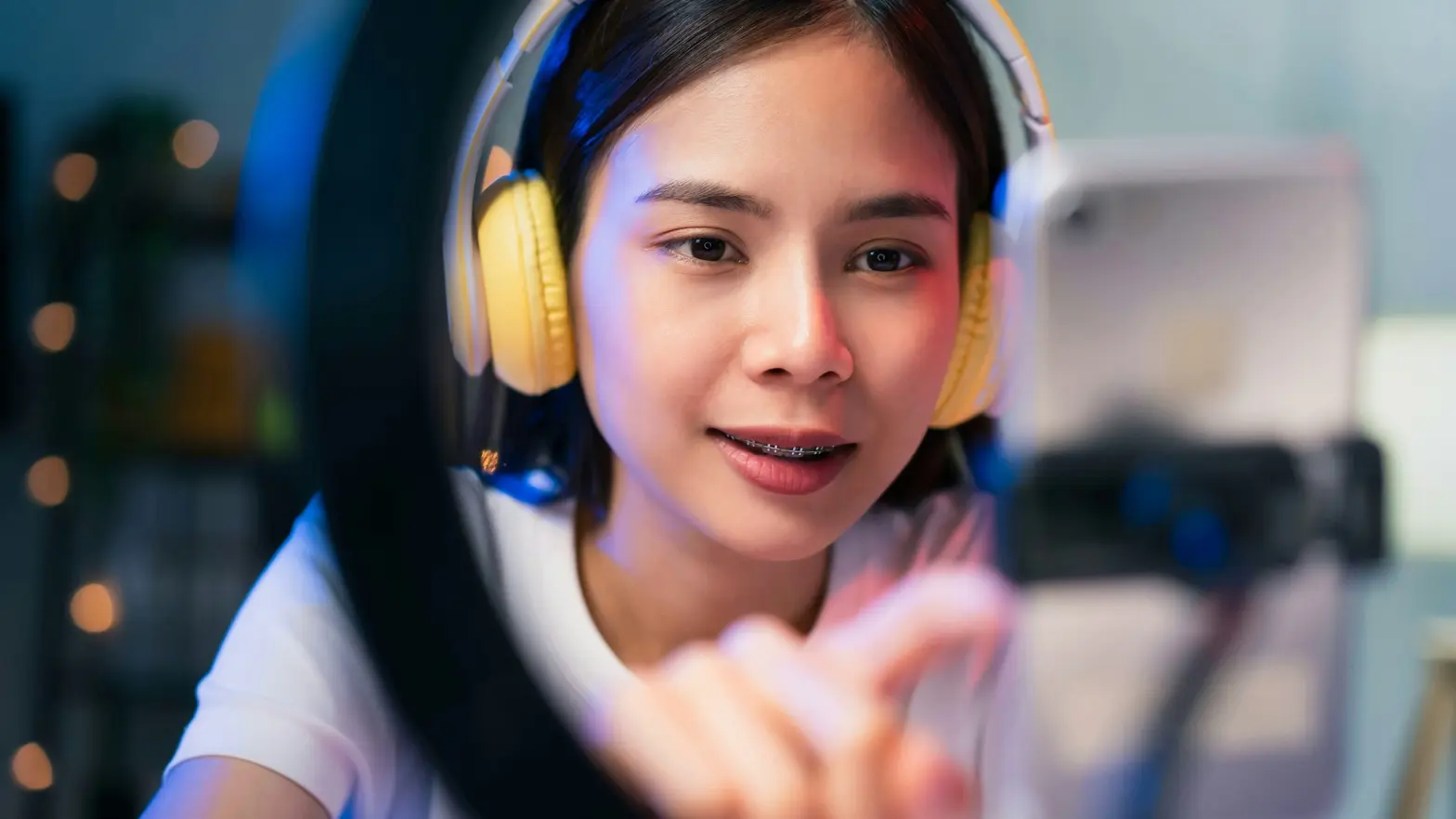
A strong live streaming equipment setup is not about luxury gear.
It’s about:
- Clear sound.
- Good lighting.
- Stable internet.
- Reliable software.
- Scalable infrastructure.
When these elements work together, your production supports growth instead of limiting it. Start simple. Optimize consistently. Scale intentionally. That mindset transforms a basic stream setup into a sustainable business engine.
👉 Learn more about Scrile Stream.
FAQ
What equipment do you need to start a live stream?
Setting up your live stream doesn’t require an elaborate studio setup. Typically, a live streaming equipment setup consists of a camera, a microphone, lights, a computer, and a reliable internet connection. To do your first live stream, you will need the following at a minimum:
- 1080p webcam or smartphone (on tripod).
- Clear USB microphone.
- Basic lighting (ring light or LED panels).
- Computer with sufficient processing power to encode.
- Stable upload speed to a wired internet connection.
If you’re looking for more stability in your live stream, consider adding software such as OBS to give yourself added control and overlays.
The key principle is simple: prioritize sound and lighting first, then improve video quality later. This approach keeps your streaming setup efficient and affordable.
What equipment is needed to be a streamer?
A professional streamer setup typically includes more than just a camera.
What you need:
- Computer or laptop capable of meeting the minimum processing requirements.
- Camera (webcam or mirrorless with capture card).
- Microphone for clean audio capture.
- Headphones to monitor audio.
- Reliable internet connection.
What helps and works really well:
- Dedicated lighting kit.
- Stream deck for easier scene switching.
- External audio interface.
- Green screen (or branded background).
New streamers tend to overspend on their camera but ignore their audio; viewers can usually tolerate average video quality, but they typically stop watching if the audio quality is lacking.
You should build your setup step by step; as you grow, upgrade your equipment depending on performance and revenue.
How much does a budget streaming setup cost?
A functional budget streaming setup can start around $500–$1,000 depending on equipment choices.
Your streaming budget may include the following:
- USB Microphone — $100–300.
- Webcam/Basic camera — $100–500.
- Lighting — $50–300.
- Computer — variable depending on need.
- Accessories/Tripod — $50–150.
In today’s environment, you do not need high-end equipment to begin. The focus should be on clear audio, stable video, and consistent quality. Once you begin monetizing your channel, you can invest in targeted upgrades.
How can I improve livestream quality without buying expensive gear?
To increase video and audio quality, optimize your existing setup before purchasing new equipment.
Practical improvements include:
- Adjusting light positioning to create softer shadows.
- Reducing background noise (sound-absorbing foam panels or quiet rooms).
- Configuring correct bitrate settings in your streaming software.
- Testing internet stability before going live.
- Using clean overlays without excessive visual clutter.
Incremental improvements often have a greater impact than new hardware. Evaluate each session and refine your setup accordingly.
Why is internet stability important for streaming?
Internet stability directly affects viewer retention and perceived professionalism.
If your connection drops:
- The stream buffers.
- Viewers lose context.
- Engagement declines.
- Monetization opportunities disappear.
Best practices:
- Use a secure wired Ethernet connection instead of Wi-Fi.
- Maintain an upload speed at least 2× your streaming bitrate.
- Keep a backup mobile hotspot available for emergencies.
Stable connectivity protects your brand reputation and revenue potential.

Polina Yan is a Technical Writer and Product Marketing Manager at Scrile, specializing in helping creators launch personalized content monetization platforms. With over five years of experience writing and promoting content for Scrile Connect and Modelnet.club, Polina covers topics such as content monetization, social media strategies, digital marketing, and online business in adult industry. Her work empowers online entrepreneurs and creators to navigate the digital world with confidence and achieve their goals.