Quick answer
OnlyFans looks simple until you run it like a business. In 2025, the important features are not just subscriptions and DMs, but the way posting, PPV, live, analytics, media handling, and account controls fit together. This guide shows the feature map, the failure points, and the moments when native tools are enough — or not.
What OnlyFans features actually do in a creator workflow
Most feature pages list the platform tools one by one and stop there. That is not enough if you are trying to decide what matters in real work. A creator does not need a dictionary of feature names; they need to know which feature solves which job, what it replaces, and where it stops helping. A platform can look active on the surface while the workflow underneath is still messy, slow, and hard to scale.
The cleanest way to read OnlyFans is as a sequence: discovery and join flow, subscription access, onboarding, direct messaging, PPV, retention, content reuse, live interaction, analytics, and account control. Once that chain is visible, the feature set becomes easier to evaluate. You can see where the platform is strong, where it needs manual work, and where creators usually add a second system because the native setup does not expose enough control.
That is also why this page is not just a feature list. It is a decision map. Some tools matter on day one, some only matter when volume rises, and some only become visible after a mistake, a missed message, a buried post, a duplicate offer, or a shared login that nobody can explain later. The useful question is not “does it exist?” but “what job does it do in the workflow?”
For the rules and risk side of that question, the cluster guide OnlyFans terms of service explained is the right companion read. If you are also comparing platform operating models, the logic lines up with broader access-control guidance from NIST identity and access management guidance: features are only useful if the team can operate them without losing control of who can post, message, approve, or recover the account.
The OnlyFans feature map: what each tool is for
Instead of listing features as if they were equal, it helps to sort them by workflow stage and decision value. That shows what each feature does, what it is best at, and where it fails first.
| Feature | What it does | When it matters | Where it fails | Creator vs subscriber relevance |
|---|---|---|---|---|
| Subscriptions | Places content behind recurring access | When you need stable baseline revenue | Weak onboarding leads to churn even if the price is right | Creator sets access; subscriber buys entry |
| DMs | Lets creators message fans directly | When support, upsells, and custom requests all happen in one place | Inbox overload makes it hard to separate sales from service | Creator uses it as a sales and retention channel; subscriber uses it to reply or request |
| PPV messages | Locks media or offers behind a price | When a creator has a premium drop or custom offer to sell | Underperforms if sent before trust or segmentation exists | Creator monetization tool; subscriber chooses to unlock |
| Mass messages | Sends one message to many fans at once | When renewals, promos, or updates need to go out fast | Easy to over-send, which trains fans to ignore the inbox | Creator broadcast tool; subscriber receives the alert |
| Scheduling | Queues posts ahead of time | When the page needs consistency across time zones or busy weeks | Does not fix weak content planning or a messy library | Creator-side efficiency tool |
| Analytics | Shows earnings and activity signals | When pricing, offer timing, or retention decisions need evidence | Useless if the numbers never change a decision | Creator control tool |
The biggest mistake is treating subscriptions as the whole product. A subscription only tells you who can enter. It does not tell you whether the fan understands what happens next, whether the offer ladder is clear, or whether the page has enough structure to keep the person from drifting out again. A creator can collect recurring fees and still lose money on the back end if onboarding is vague and the follow-up sequence is weak.
Messaging is where that weakness usually shows up first. The inbox becomes the business queue: support, upsell, content requests, renewals, and reminders all land there together. When there is no clean separation, every new fan looks the same, every pitch sounds the same, and every follow-up takes longer than it should. That is why DMs and PPV matter more as an operating system than as isolated features.
Subscriptions and access control
Subscriptions do one job well: they define access. The limit is that access by itself does not create a path. If a new subscriber lands on the page and the content map is unclear, the first paid click often becomes the last one. In practice, a strong subscription setup needs a simple promise, a clear next step, and a fast answer to “what should I do after I join?”
That is why subscription settings matter most for retention, not just first sale. A creator who knows which posts are public, which are premium, and which are meant to pull a fan toward PPV can build a cleaner revenue path than a creator who just posts behind a wall and hopes the wall is enough. The healthy state is simple: the join moment feels intentional, not random.
Messaging, DMs, PPV, and mass sends
DMs and PPV sit at the center of the platform because they are both revenue and relationship tools. They also break first when volume rises. A creator can sell, support, and follow up in the same thread, but that only works until the inbox starts carrying too many roles at once. After that, the page feels busy but not controlled.
In practice, the key issue is segmentation. A warm fan should not receive the same pitch as a casual browser, and a high spender should not sit in the same follow-up sequence as someone who has never unlocked a paid message.
PPV works best after trust exists. Send it too early and it feels like a toll booth. Send it after a useful free touchpoint and it becomes a natural next step. That timing matters more than clever copy. Mass messages follow the same rule: if they are only used to broadcast promotions, fans learn to skim them; if they are used sparingly for renewals, launches, or genuinely useful updates, they still pull attention.
Tips, bundles, and discounts
Tips are a signal, not just a payout. They show which content or topic is pulling interest before a bigger purchase happens. If a fan tips on a post, that is often a better clue for the next upsell than a long analytics report. Bundles and discounts do the opposite job: they reduce churn and create a reason to stay longer.
The mistake is to turn every lever on at once. If discounts, bundles, and PPV offers all fire together, the price structure gets muddy. Fans stop knowing what is premium, what is routine, and what is being sold because it has value versus because it has a deadline. On a small page, that is confusing. At larger volume, it makes revenue harder to forecast.
Scheduling, media vaults, and reuse
Scheduling is only useful if the content library is clean enough to support it. That is where a vault-like media system becomes more than storage. A creator who can find, reuse, and repurpose the right asset quickly can publish more consistently without rebuilding the same offer three times.
The bottleneck here is often retrieval, not creation. Creators assume they need more content when the real problem is that the right clip, image, or message is buried under older material. If the library is disorganized, scheduling simply helps you repeat the mess faster. The sister guide on OnlyFans vault goes deeper on why content organization matters more than raw storage once a page begins to scale.
Live streaming, stories, and polls
Live, stories, and polls add a real-time layer to the page. They are not usually the main revenue engine, but they are useful for attention, feedback, and faster testing. A live session can show whether people are willing to show up for a topic before you spend time producing a bigger premium piece. A poll can tell you whether the next paid post should be a clip, a set, a Q&A, or a custom offer.
These tools work best when they connect to the rest of the workflow. If live is just entertainment and nothing after it changes pricing, retention, or follow-up, it becomes another time sink. Stories and polls help most when they are used to warm fans before a paid drop or to reduce uncertainty about what content should come next.
Analytics, dashboards, and account control
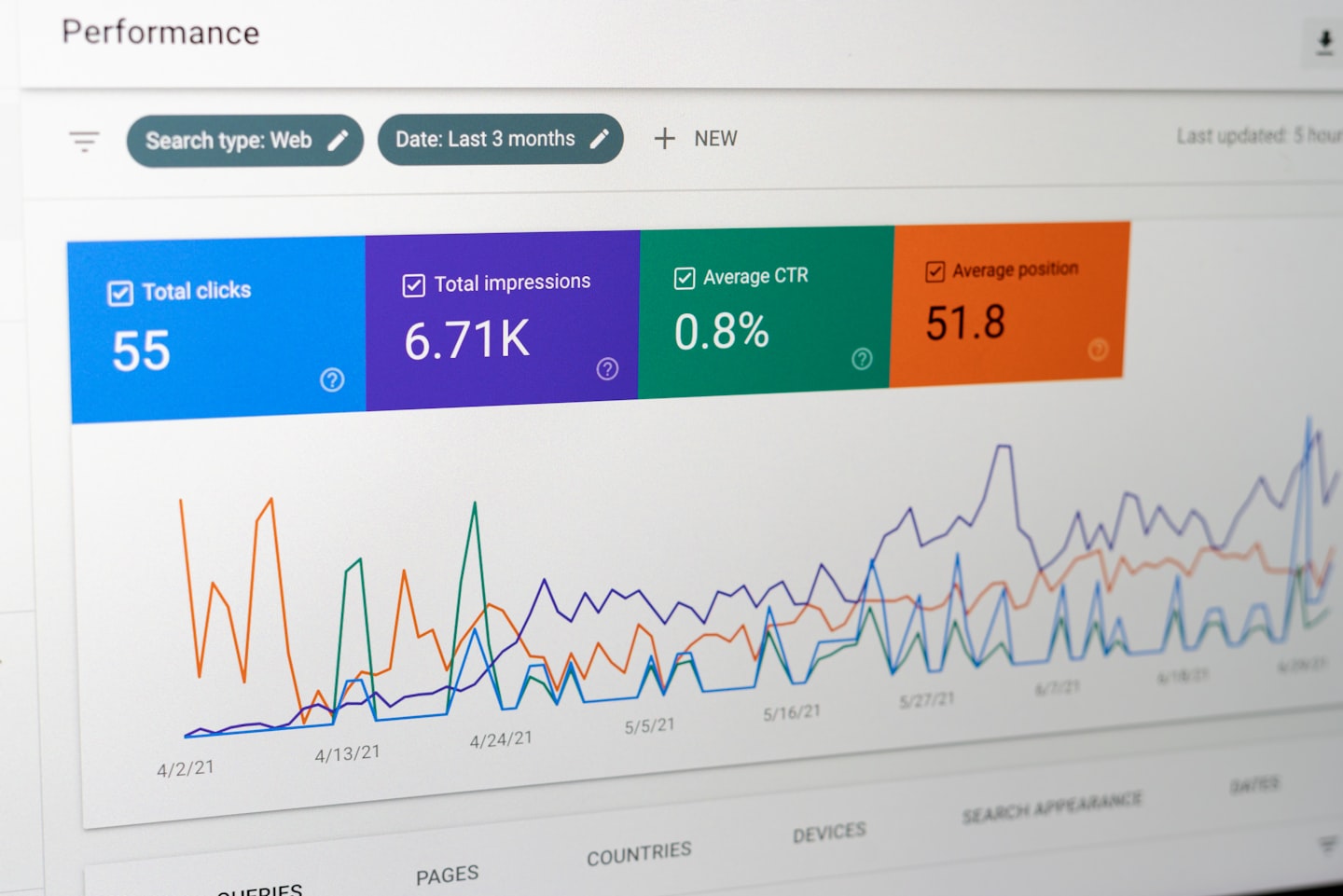
Analytics should help a creator make a next decision. Revenue alone is too blunt to do that well. A useful dashboard shows whether subscriptions, messages, and PPV are moving together or drifting apart. If they drift, the creator can see the break before it turns into a month-end gap.
Account control is the part that becomes important after something goes wrong. Shared logins, vague permissions, and weak role ownership can turn a simple assistant setup into a recovery problem. The issue is not paranoia; it is operational clarity. If nobody can say who can post, message, approve, or export in one sentence, then the account-control layer is already too loose.
That is also why the rules-and-safety cluster matters. A feature is not just a feature if it changes how the account can be moderated, reviewed, or recovered. In the same way that Direct messaging systems only work when roles are clear, OnlyFans features only stay useful when the control layer is visible and documented.

Which OnlyFans features matter most by creator scenario
Not every creator needs the same feature mix. A new page, a high-volume messaging operation, a content-heavy account, and a compliance-sensitive team each hit a different bottleneck first. The useful question is not “what exists?” It is “what starts to break in my workflow first?”
A new creator usually does not need more tools; they need fewer moving parts and a clear first path from join to first purchase. That is the healthy state: the page explains itself quickly, and the fan does not have to guess what to do next. If the setup gets too complicated too early, the creator spends more time managing features than learning what the audience actually wants.
A high-volume creator has the opposite problem. Once the inbox becomes the business, every missing rule creates friction. A fan who should have been tagged for follow-up gets lost, a PPV offer goes out too broadly, or a renewal reminder gets buried under support questions. That is where the page stops being a content feed and starts acting like a workflow system.
Content-heavy creators hit a different wall: the bottleneck is not content production, it is content retrieval and reuse. If the right asset cannot be found quickly, scheduling loses half its value. In that case, the creator is not short on material; they are short on organization.
Compliance-sensitive teams need a different lens again. Here, the risk is not just whether the feature exists, but whether the workflow can survive a review, a dispute, or a staff change without losing control. That is why the sister pieces on OnlyFans shared account and recover OnlyFans account guide belong in the same decision set.
Native OnlyFans tools vs third-party workarounds
Native features are usually enough when the account is small and one person is running most of it. The comparison changes once segmentation, repeatable follow-up, team visibility, or reporting start to matter. At that point the question is not whether OnlyFans has the feature. It is whether the native setup keeps the workflow coherent.
The cleanest comparison is by task. Native scheduling is fine for queueing posts. Native DMs and PPV are fine for direct monetization. But once a creator needs fan tags, reminder rules, better reporting, or a shared operating view, a second layer becomes attractive because it gives structure that the native surface does not expose.
| Operational need | Native OnlyFans feature | External / workaround layer | Trade-off |
|---|---|---|---|
| Queued publishing | Post scheduling | Calendar or automation stack | More control, but another system to maintain |
| Fan segmentation | Built-in targeting where available | CRM-style tagging and rules | External layers are stronger for repeatable targeting |
| Repeat upsell flow | PPV messages and manual follow-up | Automation rules and templates | Faster execution, but easier to sound mechanical |
| Media reuse | Media vault | Separate content library | External libraries scale better if access is controlled |
| Team visibility | Basic dashboard and reporting | Owned dashboard with roles and payouts | Native dashboards are simpler; owned dashboards give more control |
That trade-off matters because a workaround is not free just because it is outside the platform. A second system can solve segmentation or reporting, but it also adds another place to keep updated, another login to manage, and another handoff to document. For solo creators, that extra layer can be more friction than help. For agencies and multi-creator teams, it can be the difference between a workable page and a confusing one.
Native tools also create a policy question after a problem event. If an account is reviewed, a message is disputed, or a content-rights issue appears, the operational value of the feature depends on documentation, access discipline, and ownership clarity. The cluster guides on OnlyFans DMCA, OnlyFans copyright, and OnlyFans release form guide become practical, not theoretical, once those issues show up. Collaboration follows the same rule, which is why OnlyFans collaboration contract belongs in the same working set when more than one person touches the account.
Feature limits, friction points, and what creators still want improved
Creators usually do not ask for “more features” in the abstract. They ask for fewer weak links. The complaints cluster around a few repeat problems: message handling gets messy, permissions are too loose, media reuse is harder than it should be, and the dashboard often shows results without explaining what drove them. Those are not glamorous issues, but they are the ones that cost time every week.
The most visible friction is the inbox. Once the page has real volume, the inbox carries support, upsells, renewals, customs, and reminders at the same time. If the system does not make those roles easier to separate, the creator spends time hunting through threads instead of making decisions. A fan who should have gotten a follow-up misses the window, and that missed window usually shows up later as lower renewals or a lost custom sale.
The second weak spot is shared operation. Many creators eventually need help from a manager, assistant, editor, or chatter. The native platform can handle basic access, but it does not always make ownership feel clean enough for serious team use. When role boundaries are fuzzy, one small mistake can create a bigger recovery problem than the original task was worth.
Media organization is the third complaint because it affects speed in a way people do not notice until the library gets large. A creator may have plenty of content and still lose time every day because the right item is buried. That is why vault organization matters more than raw storage. A messy library turns every new offer into a scavenger hunt.
There is also a broader product gap: creators want more visibility into what actually drives revenue. A dashboard that only shows totals is not enough for decision-making. Useful analytics should help answer questions like: which messages convert, which offers get ignored, which fans are worth a slower follow-up, and whether the page needs better segmentation or better pricing. If the dashboard cannot support those choices, it is reporting history instead of helping the next move.
That is where owned-platform models start to look attractive. They are usually not trying to copy the surface of OnlyFans feature for feature. They are trying to close the control gap by keeping subscriptions, tips, PPV, live access, messages, and admin logic in one place under a brand the creator controls. In that sense, the “improvement” request is often really a request for architecture.
What the gap looks like in practice
It is easy to miss the cost because each problem looks small on its own. A misplaced message can cost a follow-up. A disorganized vault can cost ten minutes. A vague permission rule can cost an hour of cleanup after a staff change. Add those up across a month and the issue stops looking like inconvenience and starts looking like lost output.
For creator businesses that have moved beyond solo mode, that is the moment to decide whether the platform is still doing the job or whether the team is rebuilding too much around it. If every fix requires another workaround, the feature set is no longer the real system. The workarounds are.
How to read the feature set before you change platforms
Do not start by asking whether the platform has everything. Start by locating the weakest link in your own workflow. If the page gets clicks but not renewals, the issue is onboarding and follow-up. If sales happen but the inbox feels chaotic, the issue is segmentation. If content exists but posting falls behind, the issue is library organization. The right fix depends on which part breaks first.
- Review the last 20 fan interactions and mark where a sale, upsell, or follow-up should have happened. That exposes the first broken handoff quickly.
- Separate posting tasks from messaging tasks for one week. If the page gets calmer, the inbox is the bottleneck, not content volume.
- Check whether your media library can produce the same premium offer twice without a search spiral. If not, vault organization is costing you time every day.
- Write down who can post, message, approve, or export on the account. If you cannot answer that in one sentence, the control layer needs work now.
The healthy state is not “use every feature.” It is “use the smallest set of features that makes the next decision easier.” A creator who knows which feature supports onboarding, which one supports upsell, which one supports retention, and which one supports control will make better choices than a creator who just tries to activate every button on the page. That is the simplest way to read OnlyFans features in 2025: by impact, not by count.
Why teams choose Scrile Connect when the feature set is not enough
Scrile Connect fits the exact problem this page keeps circling: the native feature set covers the basics, but the workflow gets harder once a creator needs clearer ownership, better control, and less manual handoff. Instead of treating subscriptions, tips, PPV, messages, live access, and admin work as separate islands, it puts them into one white-label site under your own domain.
That matters when the real issue is not “can we post and message?” but “can we run this as a business without borrowing the whole operating layer from a third-party platform?” Scrile Connect is built for branded fan monetization sites, so the team keeps control over branding, pricing, payouts, moderation, and user roles instead of adapting to a fixed layout.
For agencies managing multiple talent profiles, founders building a subscription platform, coaches selling premium access, or brands moving followers onto their own site, that structure is often more important than another surface feature. It reduces duplicate work, keeps payouts and user roles visible, and makes the workflow easier to explain when the team grows past one person.
If your decision has reached the point where platform control matters more than platform convenience, Scrile Connect is the owned-platform option to compare against the native stack. It is the better fit when you want the OnlyFans-style feature mix, but under your own brand, with your own rules, and without rebuilding the business every time the workflow gets more complex.
Ready to build the setup behind this?
If this is the operating problem you need to solve, use the product page as the next step. It shows where build your setup fits and what the platform covers beyond a single payment widget.
Frequently asked questions
Which OnlyFans features usually break first at scale?
Usually the inbox and the media library. Once message volume rises, DMs need segmentation and the content vault needs cleaner reuse. Without that, creators spend more time searching and less time selling.
When are native OnlyFans tools enough?
They are usually enough for solo or light-volume use, especially if one person is handling posting, messaging, and follow-up. The native stack starts to feel thin when more than one person needs the same operational view.
What is the biggest risk in a loosely shared account setup?
The biggest risk is not only confusion. It is lost control over posting, messaging, and payouts. Loose access rules also make recovery and review handling harder if a team member leaves or the account gets flagged.
How do I tell if PPV is helping or hurting?
Look at the ratio between sends, unlocks, and follow-up sales. If sends rise but unlocks and renewals do not, the offer sequence is probably wrong. PPV is then acting like a broadcast tool, not a revenue tool.
What should the dashboard help me decide?
A useful dashboard should help change price, timing, or segmentation. If it only shows totals and does not change one of those three decisions, it is reporting history rather than supporting operations.
When does an owned platform make more sense than native tools?
An owned platform makes more sense when the business needs control over branding, roles, payouts, and workflow structure more than it needs the convenience of staying inside one platform. That is usually when the account has outgrown manual patching.

Account management at Scrile. Writes about B2B sales cycles, vendor-client communication, and the unglamorous middle of enterprise deals.